5G WiFi Router for Home: Benefits, Limitations and Buying Guide
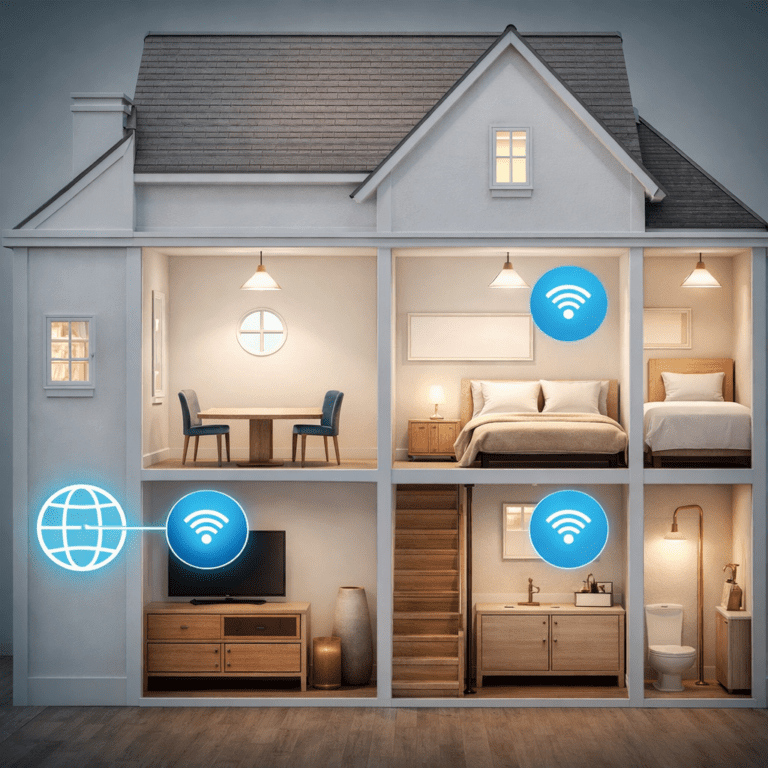
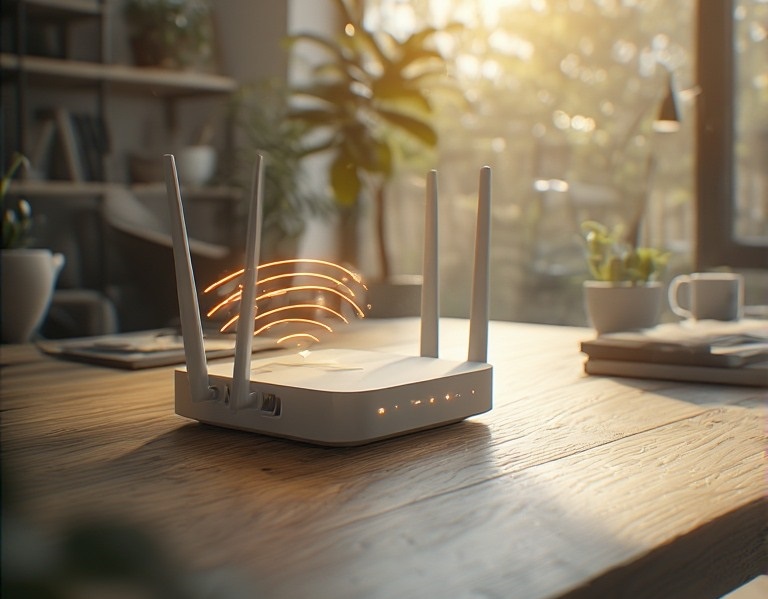
A 5G WiFi router can provide home internet through a mobile network and distribute the connection to phones, computers, televisions, and other devices through Wi-Fi or Ethernet.
It can serve as a primary internet connection, a temporary solution, or a backup when fixed broadband is unavailable.
However, 5G performance varies significantly between locations. Distance from the base station, available frequency bands, indoor signal strength, network congestion, router placement, antenna design, and the mobile plan can all affect speed and stability.
This guide explains how a 5G home router works, when it may be a good alternative to cable or fiber, which specifications matter, and what you should check before choosing a device or mobile plan.
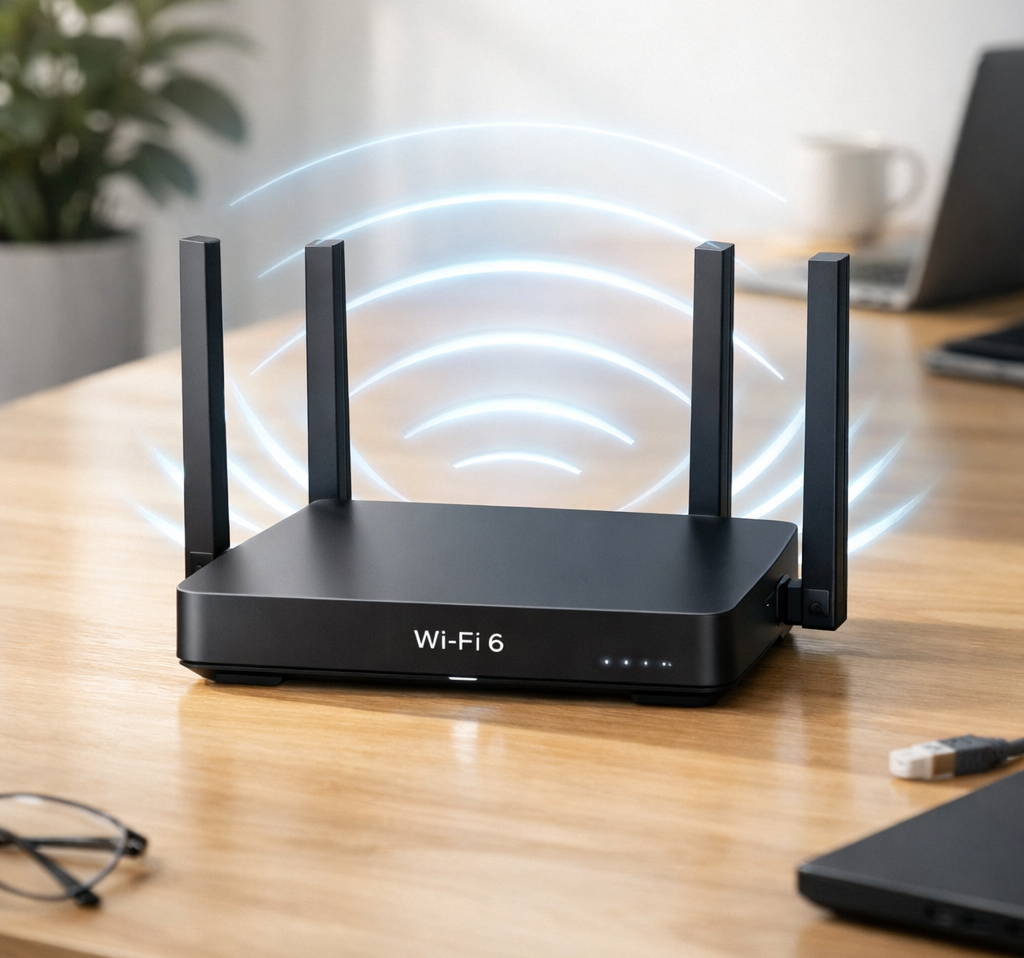
What Is a 5G WiFi Router?
A 5G WiFi router combines two different types of wireless connection:
- 5G or 4G cellular connectivity links the router to a mobile operator.
- Wi-Fi connectivity links devices inside the home to the router.
The router receives internet service through a SIM card, eSIM, or provider-specific cellular connection. It then shares that connection through Wi-Fi and, on many models, Ethernet ports.
Therefore, 5G and Wi-Fi are not competing names for the same technology. The mobile network supplies the internet connection, while Wi-Fi distributes it around the property.
For a broader comparison, read our guide to
Wi-Fi 6 vs 5G.
How 5G Home Internet Works
A compatible router communicates with a nearby mobile base station. The operator then carries internet traffic through its mobile network.
Inside the property, the router performs familiar home-network functions such as:
- routing traffic between the mobile network and local devices;
- providing Wi-Fi coverage;
- assigning local IP addresses;
- connecting Ethernet devices;
- providing firewall and security functions;
- managing guest networks and other optional features.
Some 5G home internet services provide a router that is locked or configured for one operator. Other routers are sold separately and may accept compatible SIM cards from several providers.
Before buying an unlocked router, confirm that it supports the operator’s required frequency bands, network configuration, SIM type, and service terms.
Benefits of a 5G WiFi Router for Home Internet
Internet access without a fixed line
A 5G router does not require a cable, DSL, or fiber line to carry the internet connection into the building. This can make it useful in locations where fixed broadband is unavailable, slow, expensive to install, or only needed temporarily.
Relatively simple deployment
Many indoor routers only require a compatible mobile plan, power, and basic network configuration. However, setup is not always instant. Some services require activation, provider configuration, careful placement, or installation of an outdoor receiver.
Portability
An unlocked router may be movable between compatible locations and networks. Nevertheless, portability depends on the plan, coverage, power requirements, provider restrictions, and antenna installation.
A home router is not necessarily designed for use while traveling or inside a moving vehicle. Check the product documentation before treating it as a portable hotspot.
Useful backup connection
A 5G service can provide an alternative internet path when a cable or fiber connection fails. Some routers and network gateways can switch automatically between primary and backup connections.
Potentially strong download performance
Where coverage and network capacity are good, 5G can support streaming, video calls, downloads, cloud services, and other demanding activities. However, advertised maximum speeds should not be treated as guaranteed everyday performance.
Important Limitations of 5G Home Internet
A 5G router is not automatically better than fiber, cable, or another fixed connection. Consider the following limitations before switching.
Performance can change throughout the day
Mobile network capacity is shared. Consequently, download speed, upload speed, and latency may change when more users connect to the same local network sector.
Indoor signal can be weaker
Walls, insulated glass, reinforced concrete, metal cladding, foil-backed insulation, trees, and terrain can reduce signal quality. A coverage map may show service in the area while a particular room receives a weaker connection.
Upload speed may be limited
Some 5G services provide strong download performance but more modest upload speeds. This matters for cloud backups, large file uploads, remote work, video calls, and security cameras.
Data and traffic policies vary
Plans may include data allowances, speed management, fair-use conditions, restrictions on routers, or different treatment during congestion. Always read the complete plan terms.
Public IP addressing may be unavailable
Some mobile providers use carrier-grade network address translation. This can complicate inbound connections, server hosting, remote-access systems, and certain gaming or security-camera configurations.
If you require port forwarding, a public IP address, or a particular VPN arrangement, confirm provider support before subscribing.
5G Router Speed and Latency
Real-world speed depends on more than the 5G logo printed on the router. Important factors include:
- signal strength and quality;
- distance from the serving base station;
- frequency bands available at the location;
- network congestion;
- the operator’s deployed bandwidth;
- router modem capabilities;
- carrier aggregation and network support;
- indoor or outdoor antenna placement;
- the mobile plan;
- Wi-Fi or Ethernet performance inside the home.
Test download speed, upload speed, latency, and stability at several times of day. A single test performed near the router does not show how the connection will perform during evening congestion or in distant rooms.
Do not confuse cellular speed with Wi-Fi speed
The connection has at least two important stages:
- the cellular link between the router and mobile network;
- the local connection between the router and your device.
A weak Wi-Fi connection can limit performance even when the cellular link is strong. Similarly, excellent Wi-Fi cannot compensate for poor 5G signal quality or a congested mobile network.
Check 5G Coverage Before Buying
Begin with coverage maps from the mobile operators and, where available, an independent regulator or comparison service. However, treat maps as predictions rather than guarantees.
For example, the
Ofcom mobile coverage checker
allows users in the United Kingdom to compare predicted 4G and 5G coverage by operator. Ofcom also notes that buildings, trees, terrain, congestion, and local conditions can cause real performance to differ from predicted coverage.
When possible, test the intended network at the property before committing to a long contract. A compatible phone or trial SIM can provide useful initial information, although its antenna and modem may perform differently from the router.
Record signal quality, not only signal bars
Router administration pages may display measurements such as signal strength and signal quality. These values can provide more useful placement information than a simple bar indicator.
Measurement names and acceptable ranges vary between devices and network modes. Therefore, consult the router manufacturer’s documentation when interpreting them.
Check Supported 5G and 4G Frequency Bands
A router should support the frequency bands used by the intended mobile operator at your location. Buying a model advertised simply as “5G compatible” is not enough.
Different bands can provide different balances of coverage and capacity:
- Lower-frequency bands generally provide broader coverage and better building penetration.
- Mid-band spectrum can provide a useful combination of coverage and capacity.
- Higher-frequency deployments can offer high capacity over shorter distances and with more limited obstacle penetration.
A router may also use 4G as a fallback or as part of the connection, depending on the operator’s network architecture. Consequently, appropriate 4G band support can remain important even when the product is purchased primarily for 5G.
Our
guide to 4G and 5G frequency bands
provides additional background on how bands affect coverage and equipment compatibility.
Choose Suitable Wi-Fi Features
The cellular modem and local Wi-Fi system should be evaluated separately. A capable 5G modem does not guarantee good whole-home Wi-Fi coverage.
Check:
- supported Wi-Fi generation;
- 2.4 GHz, 5 GHz, and optional 6 GHz support;
- number of spatial streams;
- guest-network options;
- mesh compatibility;
- access-point or bridge modes;
- security standards;
- manufacturer update support.
Wi-Fi 6 is suitable for many households. Wi-Fi 6E or newer equipment can provide access to additional spectrum when the router, client devices, and local regulations support it.
Nevertheless, placement and access-point coverage often matter more than selecting the newest Wi-Fi generation. One router may not cover a large or heavily constructed property.
For difficult layouts, see our guide to
improving Wi-Fi coverage in large homes.
Ethernet Ports and Other Connections
Ethernet is useful for stationary equipment and additional network infrastructure. Check both the number and speed of the router’s ports.
Possible connections include:
- Gigabit or multi-gigabit Ethernet ports;
- WAN/LAN ports with configurable functions;
- telephone connections on provider-specific models;
- USB ports for supported functions;
- external antenna connectors;
- power connections for indoor or outdoor installation.
A router with multi-gigabit cellular capability can still be limited by a slower Ethernet port. On the other hand, multi-gigabit ports provide little practical benefit if the cellular service, switches, cables, and connected devices are all slower.
If the 5G router will connect to an existing network, check whether it supports bridge, passthrough, or another appropriate operating mode. Using two routers without planning can create double network address translation and complicate some services.
Internal and External Antennas
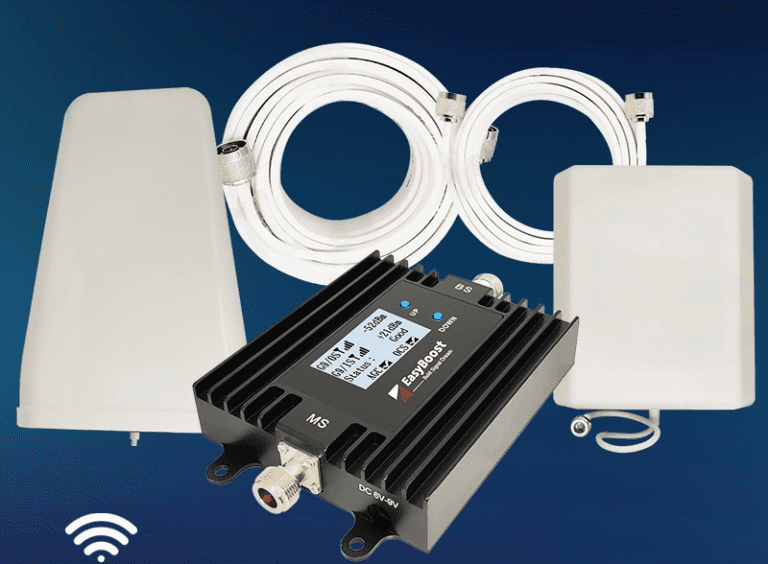
Some 5G routers use only internal antennas, whereas others provide connectors for compatible external antennas.
An external antenna may help when:
- indoor signal is weak but outdoor signal is stronger;
- the building significantly attenuates cellular frequencies;
- the router must connect to a more distant base station;
- a directional antenna can target a suitable signal source;
- the router supports the necessary antenna ports and frequency bands.
An antenna does not create cellular service where none exists. Cable loss, frequency compatibility, connector type, polarization, mounting position, and router support all affect the result.
Before buying an antenna, read our guide to
4G and 5G antennas for mobile internet.
Indoor vs Outdoor 5G Routers
Indoor router
An indoor unit is easier to install and usually combines the cellular modem, router, Ethernet switch, and Wi-Fi access point in one enclosure.
It works best when a suitable cellular signal is available near a practical indoor location, such as an upper floor or window.
Outdoor router or cellular receiver
An outdoor unit places the cellular modem or receiver outside the building, where signal conditions may be better. It may then connect to indoor networking equipment through Ethernet.
Outdoor equipment should be designed for the environment and installed according to manufacturer instructions. Do not assume every outdoor model has the same weather-resistance rating, temperature range, mounting method, or electrical requirements.
An outdoor cellular router should also not be confused with an outdoor Wi-Fi access point. The first improves or provides the mobile-network connection; the second provides local Wi-Fi coverage outdoors.
Review Mobile Plans and Data Policies
The router is only one part of a 5G home internet service. The mobile plan can determine whether the connection is practical for regular household use.
Check:
- monthly data allowance;
- unlimited-data conditions;
- speed restrictions;
- network management during congestion;
- router and tethering permissions;
- contract length;
- equipment charges;
- activation and cancellation fees;
- roaming or location restrictions;
- public IP address availability;
- IPv6 and VPN support where required.
Streaming high-resolution video, downloading games, cloud backups, and security cameras can consume substantial data. Estimate realistic monthly usage instead of choosing a plan based only on its advertised maximum speed.
Using 5G as Backup Internet
A 5G connection can provide redundancy for remote work, security systems, or other important services. Backup configurations range from a separate router that is connected manually to a gateway with automatic failover.
When planning backup internet, consider:
- whether failover is automatic;
- which devices should use the backup connection;
- data consumption during an outage;
- whether the mobile network depends on local power;
- backup power for the router and network equipment;
- how often the backup connection will be tested.
Ideally, the backup service should not depend on exactly the same infrastructure as the primary connection. However, complete independence is not always possible.
5G Router Placement and Initial Setup
- Confirm that the SIM, plan, router, and frequency bands are compatible.
- Activate the service according to the provider’s instructions.
- Install current router firmware.
- Test several practical indoor locations.
- Compare signal quality, download speed, upload speed, and latency.
- Choose a location with stable performance rather than only the highest single speed test.
- Set a strong administrator password.
- Configure secure Wi-Fi settings.
- Create a guest or separate network where appropriate.
- Test Ethernet and Wi-Fi devices throughout the property.
Do not hide the router inside a closed cabinet simply because it looks tidier. Enclosures, metal objects, poor ventilation, and unsuitable placement can affect both cellular and Wi-Fi performance.
For planning the complete local network, continue with our
fast and stable home network guide.
5G WiFi Router Buying Checklist
- Confirm 5G coverage at the property.
- Test more than one operator where possible.
- Check the required 5G and 4G frequency bands.
- Confirm whether the router is unlocked or operator-specific.
- Review SIM, eSIM, and activation requirements.
- Check Wi-Fi generation and supported frequency bands.
- Count the required Ethernet ports.
- Check Ethernet port speeds.
- Confirm external antenna support if needed.
- Review bridge, passthrough, and failover capabilities.
- Check public IP, VPN, and port-forwarding requirements.
- Review the manufacturer’s update policy.
- Read the mobile plan’s data and congestion conditions.
- Compare the total cost with fixed broadband alternatives.
Common 5G Router Buying Mistakes
- Choosing a router before checking coverage: even excellent equipment cannot compensate for unavailable service.
- Looking only at maximum speed: consistency, upload performance, and latency also matter.
- Ignoring frequency bands: the router must support the bands used by the intended operator.
- Assuming all unlimited plans are identical: traffic policies and router restrictions vary.
- Confusing 5G with Wi-Fi: cellular reception and local wireless coverage are separate issues.
- Placing the router for appearance alone: location can strongly affect both connections.
- Buying an incompatible external antenna: bands, connectors, ports, and polarization must match.
- Assuming an outdoor router provides outdoor Wi-Fi: some outdoor devices only provide the cellular connection.
- Forgetting local network requirements: one router may not cover a large home.
- Expecting fiber-like consistency everywhere: mobile performance can vary with location and congestion.
Frequently Asked Questions
Can a 5G WiFi router replace fixed broadband?
Yes, when coverage, capacity, data policies, and performance meet the household’s requirements. However, a stable fiber connection may provide more predictable performance in many locations.
Does a 5G router need a SIM card?
Many unlocked routers use a physical SIM card. Other models use eSIM or are activated directly by the service provider. Check the specific router and plan.
Will a 5G router work where a phone receives 5G?
Possibly, but performance may differ because phones and routers use different modems, antennas, frequency combinations, and network configurations. Test the intended equipment whenever possible.
Can a 5G router fall back to 4G?
Many models support 4G fallback, but supported bands and behavior differ. Confirm this feature in the router specifications.
Is a 5G router good for gaming?
It can be suitable when latency and stability are consistently good. However, mobile-network latency may vary with signal conditions and congestion, so test the service with the games and platforms you use.
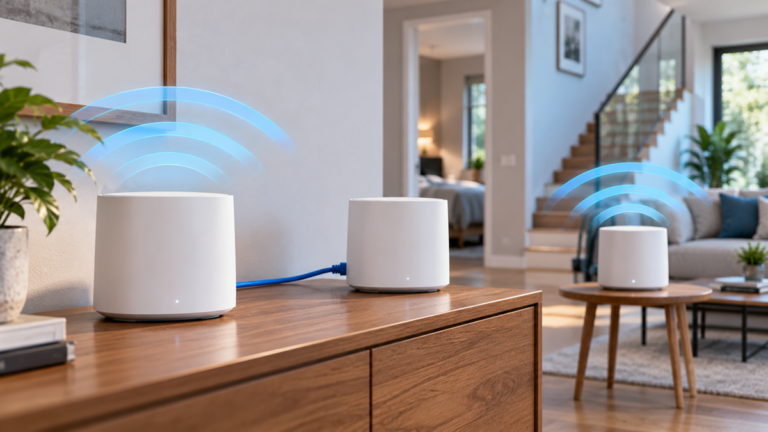
Can I connect a mesh Wi-Fi system to a 5G router?
Yes, in many cases. Depending on the equipment, you may use bridge mode, passthrough, access-point mode, or an Ethernet connection. Configure routing carefully to avoid unnecessary double NAT.
Does an external antenna always improve speed?
No. It may help when it improves usable signal quality, but an unsuitable antenna or long lossy cable can reduce performance. Network congestion also cannot be corrected by an antenna.
Should I buy an indoor or outdoor 5G router?
Choose an indoor model when good signal is available at a practical location. Consider an outdoor receiver when building materials significantly reduce signal or outdoor placement provides a clearly better connection.
Is Wi-Fi 6 necessary in a 5G router?
It is not mandatory, but Wi-Fi 6 is a practical option for many modern homes. Local coverage, device compatibility, access-point placement, and Ethernet connections remain equally important.
Can a 5G router provide backup internet?
Yes. Some network gateways can switch automatically to a cellular connection when the primary service fails. Check failover support, data limits, and backup power requirements.
Final Thoughts
A 5G WiFi router can be a practical home internet solution when mobile coverage is strong and fixed broadband is unavailable, inconvenient, or requires a backup.
Nevertheless, do not choose a router from its maximum advertised speed alone. Check local coverage, frequency bands, data-plan conditions, signal quality, antenna options, Ethernet ports, Wi-Fi coverage, and software support.
Whenever possible, test the intended operator at the property before entering a long contract. A stable connection that performs consistently throughout the day is more useful than one exceptional speed test.