4G and 5G Antennas for Mobile Internet Boosting
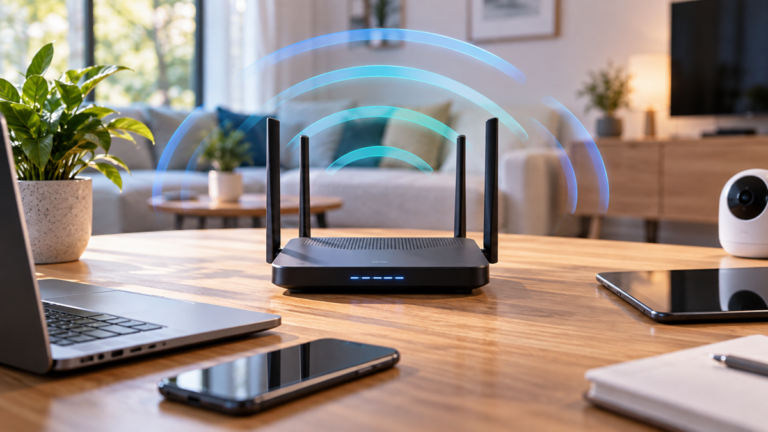
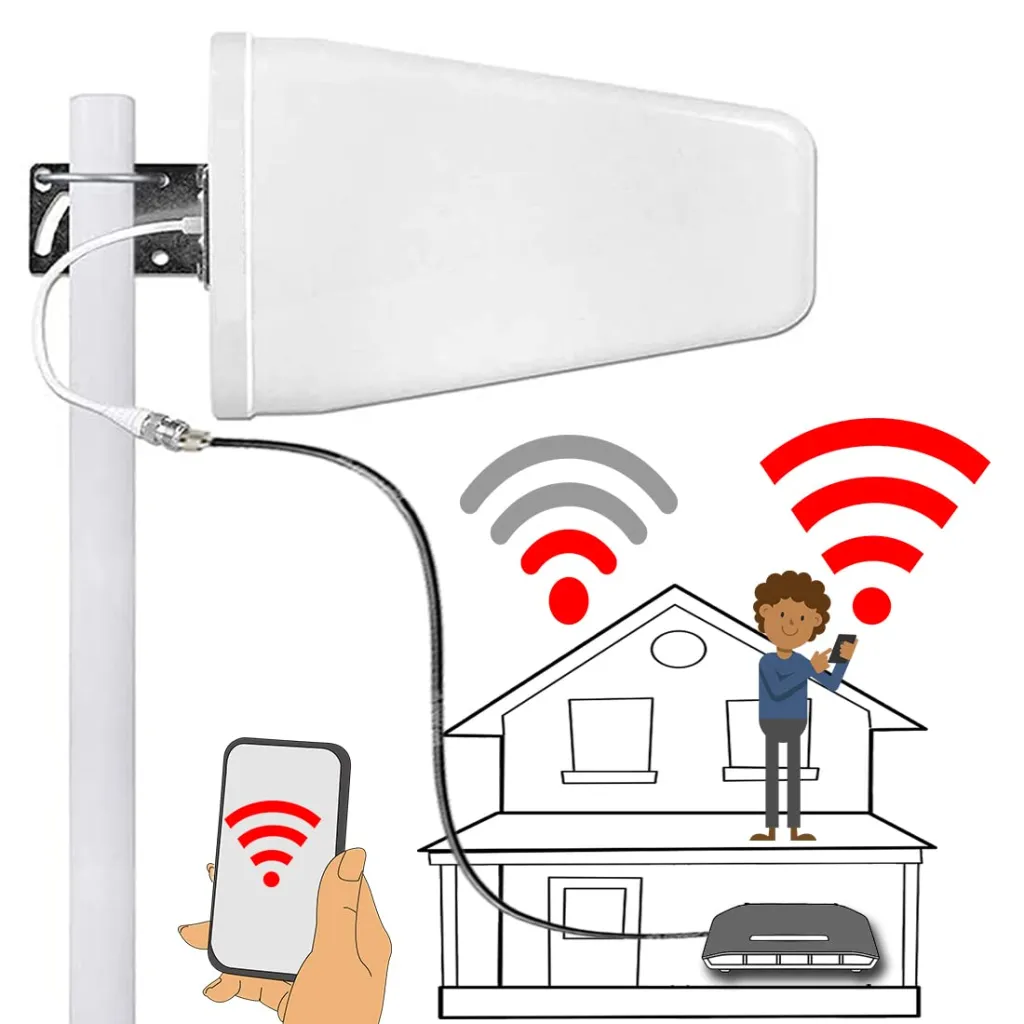
The antenna does not create network coverage or actively amplify the signal. Instead, it allows the router to receive and transmit cellular signals from a more favorable position.
An outdoor antenna can be particularly useful in rural areas, buildings with thick walls, properties surrounded by obstacles, and locations where a router works noticeably better beside an upstairs window than in its normal indoor position.
However, an antenna is effective only when it supports the correct frequency bands, matches the router’s antenna ports, uses an appropriate MIMO configuration, and is connected with suitable low-loss cable.
How a 4G and 5G External Antenna Works
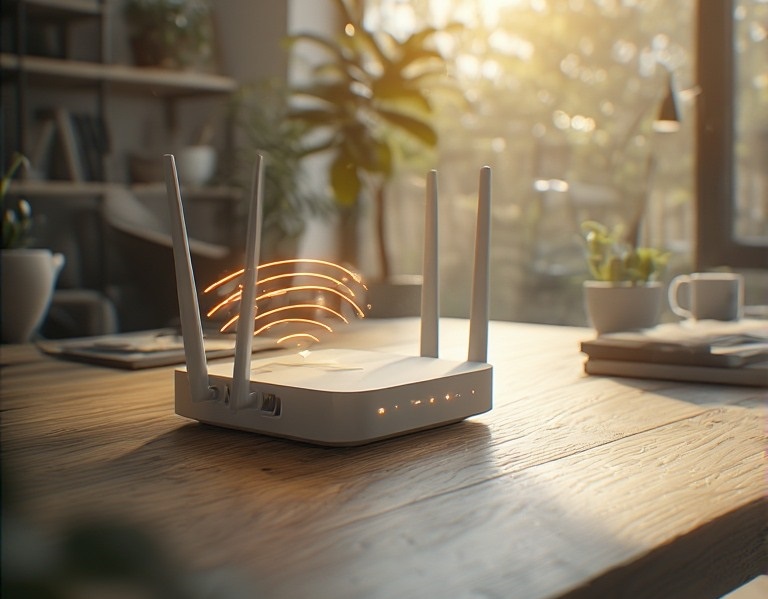
A cellular router contains antennas that exchange radio signals with the mobile operator’s base station.
When the router is positioned indoors, walls, energy-efficient glazing, foil-backed insulation, metal cladding, and reinforced concrete may weaken those signals.
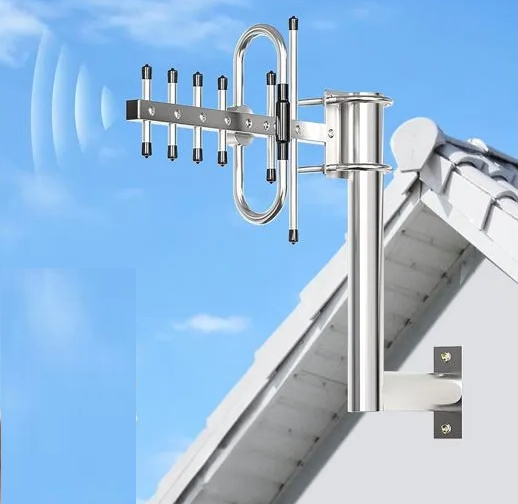
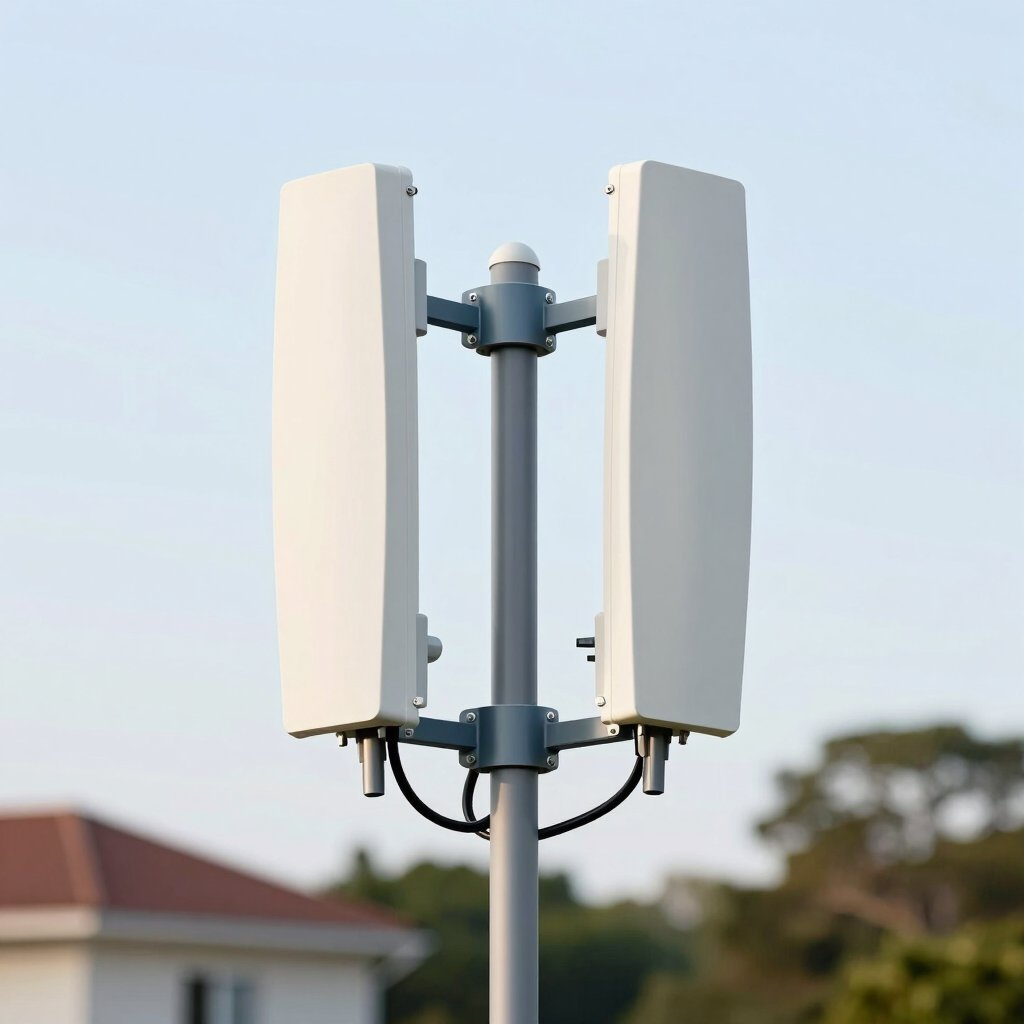
An external antenna moves the router’s cellular radio connection to a more favorable location. For example, the antenna may be installed on an exterior wall, balcony, mast, or roof while the router remains safely indoors.
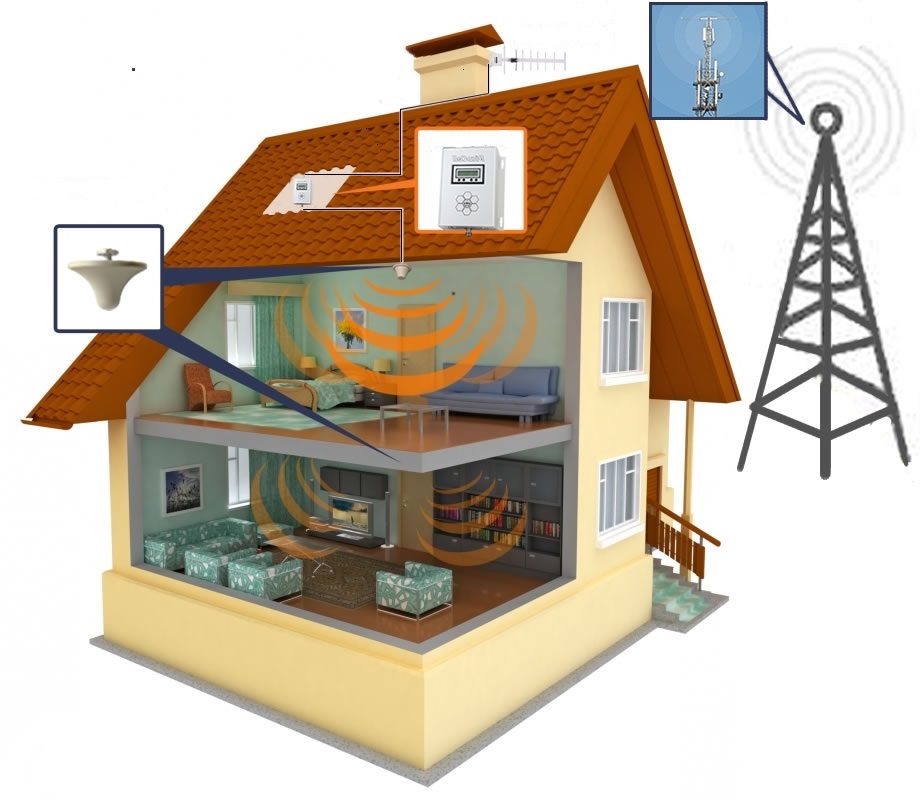
Unlike an active signal booster, a passive external antenna does not retransmit a separate cellular signal inside the building. Instead, it connects directly to the router through coaxial cables.
This distinction is important:
- External antenna: connects directly to a compatible modem or router.
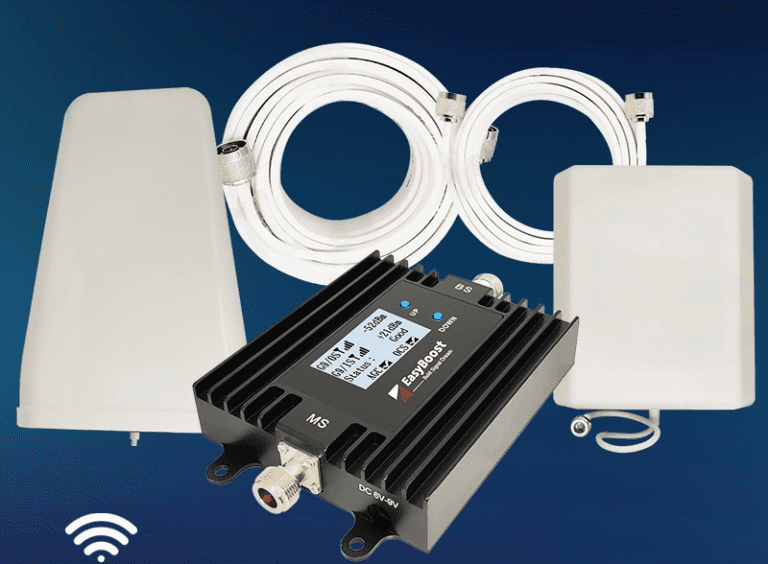
- Signal booster: receives, amplifies, and retransmits mobile signals through separate outdoor and indoor antennas.
- Outdoor cellular router: places the modem and antennas outdoors and sends data indoors through Ethernet or another network connection.
Each solution has different installation, compatibility, and regulatory considerations.
When an External 4G or 5G Antenna Can Help
An external antenna is most likely to help when poor radio reception is the main limitation.
Typical situations include:
- the router receives a better signal near an upstairs window
- outdoor reception is stronger than indoor reception
- the property is far from the serving base station
- thick walls or coated glass weaken the indoor signal
- terrain, trees, or nearby buildings partially obstruct the radio path
- the router frequently changes between bands or network modes
- upload performance is unreliable because the router has difficulty reaching the base station
The best results usually come from improving both signal strength and signal quality.
For example, a directional antenna may reduce interference from other directions while providing a stronger connection to the preferred cell.
Test the Router Near a Window First
Before purchasing an antenna, temporarily move the router to several windows or upper-floor locations.
If reception improves significantly, an external antenna or outdoor router may provide a useful long-term solution.
If performance remains almost identical everywhere, the main limitation may be network congestion, the router, the subscription, or the operator’s available capacity.
When an External Antenna May Not Improve Mobile Internet
An antenna cannot solve every mobile internet problem.
No Compatible Signal Is Available
An external antenna cannot create 4G or 5G coverage where the operator provides no usable service.
It may receive a weak signal that the router’s internal antennas cannot use reliably. However, it still needs an existing compatible network signal.
The Network Is Congested
If speeds are good early in the morning but consistently fall during busy evening periods, the local base station may be congested.
An antenna can improve the radio connection, but it cannot add capacity to the operator’s network.
The Subscription Limits Speed
Some mobile plans include speed limits, usage policies, or restrictions on router use.
Therefore, check the plan conditions before assuming that reception is the problem.
The Router Is the Limiting Factor
An older modem may support fewer bands, lower-order MIMO, limited carrier aggregation, or an earlier network generation.
In that case, changing the router may provide a larger improvement than adding an antenna.
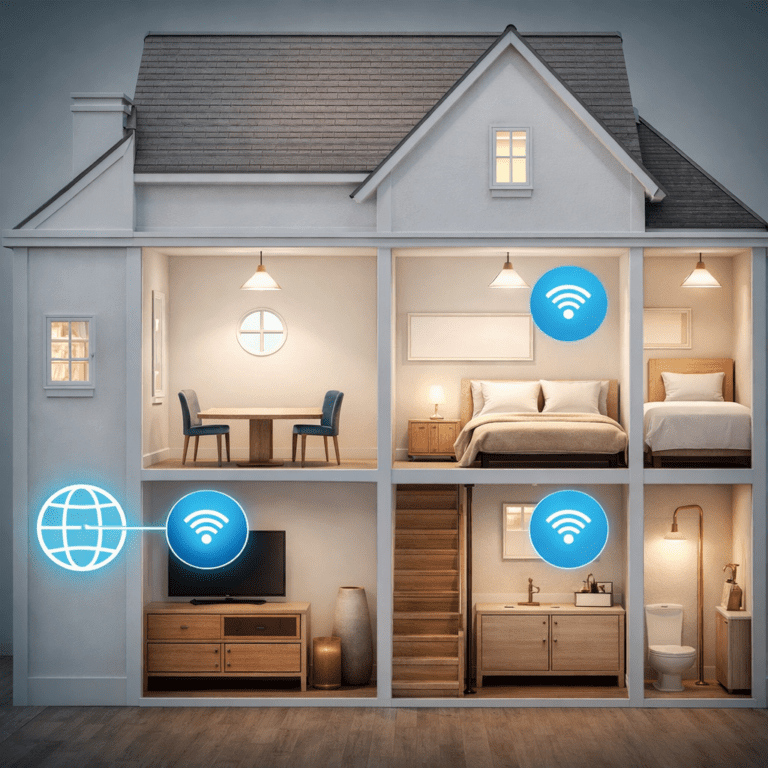
The Home Wi-Fi Network Is Weak
The cellular connection and the indoor Wi-Fi network are separate parts of the system.
If performance is good beside the router but poor in another room, the problem may be Wi-Fi coverage rather than the mobile signal.
See our guide explaining
how to improve Wi-Fi coverage in a large home.
Understanding 4G and 5G Signal Measurements
Do not select or aim an antenna using only the signal bars displayed by the router.
When possible, open the router’s administration interface and record its detailed cellular measurements.
RSRP
Reference Signal Received Power describes the strength of a cellular reference signal.
RSRP is commonly shown as a negative dBm value. A value closer to zero represents a stronger signal. For example, −85 dBm is stronger than −105 dBm.
RSRQ
Reference Signal Received Quality provides information about signal quality and radio conditions.
A strong RSRP reading does not guarantee good performance when RSRQ is poor.
SINR
Signal-to-interference-plus-noise ratio compares the useful signal with interference and noise.
Higher positive values generally indicate a cleaner radio connection, although the exact displayed range and naming depend on the router.
Current Band and Cell
The router may also display:
- LTE band
- 5G NR band
- channel number
- cell identity
- carrier aggregation information
- 5G Standalone or Non-Standalone mode
These details help determine whether an antenna supports the connection that the router actually uses.
Measure Performance as Well
Record:
- download speed
- upload speed
- latency
- connection stability
- packet loss where measurable
An antenna position with slightly weaker RSRP but substantially better SINR may produce better real-world performance.
Check Whether the Router Supports an External Antenna
Not every cellular router accepts external mobile antennas.
Before buying anything, check the router manual and manufacturer’s specifications.
Confirm:
- that external cellular antennas are supported
- the number of cellular antenna ports
- the connector type
- which ports support 4G and which support 5G
- the required MIMO configuration
- whether the router detects the antenna automatically
- whether external antennas must be enabled in software
- which frequency bands the router supports
Do Not Confuse Cellular and Wi-Fi Ports
Some routers have removable Wi-Fi antennas but no external cellular antenna connections.
A Wi-Fi antenna port cannot be assumed to work with a 4G or 5G antenna. Connecting equipment to the wrong port may provide no benefit and could damage a small connector.
Check How the Ports Are Assigned
A router with four connectors may use all four for cellular MIMO. Alternatively, it may use two for cellular service and two for Wi-Fi.
Therefore, follow the exact port diagram for the router model.
Choose the Correct Antenna Frequency Range
The antenna must support the frequency bands used by both the router and mobile operator.
Depending on the country and network, cellular service may use spectrum around:
- 700 MHz
- 800 or 850 MHz
- 900 MHz
- 1800 MHz
- 2100 MHz
- 2300 or 2600 MHz
- 3.3–3.8 GHz
- other region-specific ranges
The same operator may use several bands at one base station. In addition, the router may combine multiple carriers to improve capacity.
For this reason, do not purchase an antenna based only on a broad “4G” or “5G” label.
Wideband Antennas
A wideband antenna supports a broad frequency range and may be convenient when the router uses several bands.
However, the words “wideband” and “5G ready” do not guarantee equally good performance across the complete advertised range.
Review the antenna’s gain pattern, supported polarizations, port count, and test data where available.
Band-Specific Antennas
An antenna optimized for a narrower frequency range may provide useful performance when one band is clearly the best option at the property.
Nevertheless, a narrow-band design may limit carrier aggregation or future network changes.
Our
mobile frequency-band guide
explains the differences between low, mid, and high cellular bands.
Directional vs Omnidirectional Cellular Antennas
Directional Antenna
A directional antenna concentrates reception and transmission toward a selected direction.
It can be useful when:
- the serving base station direction is known
- the property is relatively far from the cell
- interference arrives from other directions
- one operator or cell provides the preferred service
- the antenna can be aligned carefully
Directional designs include panel, log-periodic, and other antenna types.
A higher advertised gain is not automatically better. The antenna still needs the correct frequency coverage, polarization, cable, and alignment.
Omnidirectional Antenna
An omnidirectional antenna receives and transmits over a wider horizontal area.
It may be preferable when:
- nearby cells are located in different directions
- the router changes between serving cells
- several operators must be received
- precise directional alignment is impractical
- the outdoor signal is already reasonably strong
However, an omnidirectional antenna may also receive more unwanted signals and interference.
Which Type Is Better?
Neither type is universally better.
A directional antenna can provide a cleaner connection in some rural or interference-limited locations. By contrast, an omnidirectional antenna can provide greater flexibility where several usable cells surround the property.
The correct choice should be based on measurements rather than location labels such as “urban” or “rural.”
What Is a MIMO 4G or 5G Antenna?
Modern cellular networks use MIMO, or Multiple Input Multiple Output, to transmit and receive through multiple radio paths.
This is why many 4G and 5G routers have two or four cellular antenna connectors.
A MIMO antenna system may contain:
- two or more antenna elements inside one enclosure
- two separate directional antennas
- multiple coaxial cables
- antenna elements with different polarizations
2×2 MIMO
A 2×2 MIMO antenna system commonly uses two cellular antenna paths and two cables.
Follow the manufacturer’s instructions for antenna orientation and port assignment.
4×4 MIMO
Some routers support four cellular antenna paths.
A complete external 4×4 MIMO installation may require four antenna elements or a purpose-built four-port enclosure.
However, some routers combine internal and external antenna elements in a specific way. Therefore, do not assume that connecting two external cables automatically provides the router’s complete MIMO capability.
Connect Every Required Cable
If the antenna and router are designed for multiple cellular paths, connect the required cables to the correct ports.
Using only one cable may reduce diversity, MIMO performance, or access to particular frequency bands.
Cellular Antenna Connectors and Adapters
Routers and antennas may use connectors such as:
- SMA
- TS9
- CRC9
- Fakra
- other compact or proprietary connectors
Connector names alone may not be enough. For example, SMA connectors are available in different gender and polarity arrangements.
Before ordering an antenna or adapter, confirm the exact connector required by the router.
Avoid Unnecessary Adapters
Each adapter adds another connection and a small amount of loss.
In addition, compact router connectors can be mechanically delicate. A heavy cable attached through a rigid adapter may place excessive strain on the port.
Where practical, use a short flexible adapter cable designed for the router rather than forcing a thick coaxial cable directly onto a small connector.
Why Coaxial Cable Loss Matters
Every coaxial cable reduces the signal passing through it.
The amount of loss depends on:
- cable type
- cable length
- frequency
- connector quality
- adapter count
- installation condition
Loss generally increases at higher frequencies. Consequently, a long cable run can remove much of the benefit provided by a high-gain antenna.
Gain Is Not the Complete Result
Suppose an antenna provides useful gain but the cable and adapters introduce substantial loss. The improvement reaching the router may be much smaller than the antenna specification suggests.
The complete signal path must be considered:
Effective result = antenna performance − cable loss − connector and adapter losses
Keep the Cable Run Practical
Use the shortest cable that safely reaches the router, but do not create a route that is exposed to damage or impossible to maintain.
If the required coaxial run is very long, an outdoor cellular router with an Ethernet connection may be more efficient because Ethernet does not carry the high-frequency cellular signal through the building.
Where to Install a 4G and 5G External Antenna
Possible mounting locations include:
- an exterior wall
- a balcony
- a mast or pole
- a suitable rooftop location
- an attic when the roof material does not severely weaken the signal
Test Before Mounting Permanently
Whenever practical, test the antenna temporarily in several positions before drilling holes or installing a permanent mast.
Record signal strength, signal quality, active bands, and performance at each position.
Height Can Help, but It Is Not Everything
A higher position may improve the radio path by reducing nearby obstructions.
However, signal reflections and interference can make a slightly lower position perform better. Therefore, select the location using measurements rather than height alone.
Consider Nearby Obstacles
Metal roofs, solar panels, reinforced structures, trees, neighboring buildings, and terrain can affect reception.
Where possible, place a directional antenna with a clear path toward the intended cell and away from large nearby metal surfaces.
Use a Coverage Checker as a Starting Point
Start with your operator’s official coverage map.
In the United Kingdom, the
Ofcom mobile coverage checker
can be used to compare predicted outdoor and indoor coverage by network.
Coverage maps are predictions rather than measurements at the exact antenna location. Therefore, always verify conditions at the property.
Connect the External Antenna to the Router
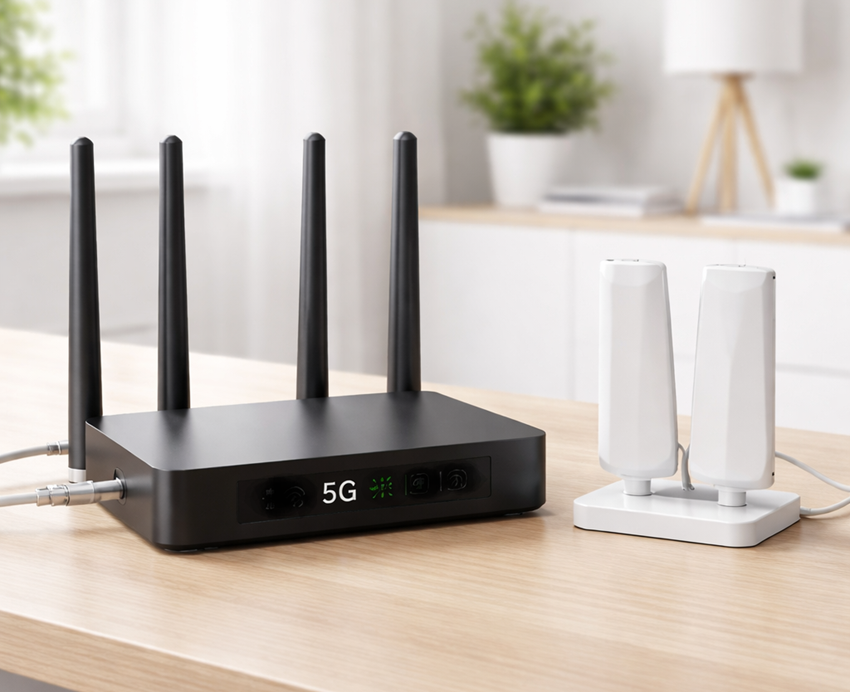
After mounting the antenna and routing the cables, connect each cable to the correct cellular port.
- Turn off the router if the manufacturer instructs you to do so.
- Identify the cellular antenna ports using the router manual.
- Connect the antenna cables without overtightening the connectors.
- Support heavy cables so that they do not pull on small router ports.
- Power on the router.
- Enable external antennas in the router settings if required.
- Confirm that the router reconnects to the mobile network.
Do not confuse cellular ports with removable Wi-Fi antenna connections.
Also avoid repeatedly disconnecting fragile TS9, CRC9, or similar compact connectors unless necessary.
How to Aim and Test the Antenna
Do not judge the result from one speed test.
Mobile performance changes with network load, weather, serving cell, band selection, and other radio conditions.
Record the Original Performance
Before connecting the new antenna, record:
- RSRP
- RSRQ
- SINR
- active bands
- download speed
- upload speed
- latency
Aim a Directional Antenna Gradually
- Point the antenna toward the likely serving cell.
- Record the router’s signal measurements.
- Rotate the antenna by a small amount.
- Wait for the router readings to stabilize.
- Record the new values.
- Repeat in both directions.
- Fine-tune the best position.
Do not optimize only for the strongest RSRP. Compare RSRQ, SINR, upload performance, latency, and connection stability as well.
Test at Different Times
Repeat the tests during quiet and busy periods.
If performance falls only during peak hours while signal measurements remain similar, network congestion may be the main limitation.
Check the Active Bands
An antenna adjustment may cause the router to select a different band or cell.
This is not necessarily a problem. A slightly weaker signal on a less congested band may provide better performance.
Outdoor Antenna Installation Safety
Exterior antenna installation may involve ladders, roof access, wall drilling, weather exposure, and electrical hazards.
Do not install an antenna:
- close to overhead electrical lines
- on an unstable structure
- where it could fall onto people or property
- without suitable wind-resistant mounting
- where cables can create a trip or water-entry hazard
Grounding and Lightning Protection
Outdoor antennas, masts, and cables may require grounding, bonding, or surge protection under local electrical and building requirements.
Follow the antenna manufacturer’s instructions and obtain professional advice where necessary.
Weatherproof Connections
Outdoor connectors should be protected using the method specified by the antenna manufacturer.
Moisture inside a connector or coaxial cable can increase loss and cause corrosion.
Use Professional Installation When Appropriate
A qualified installer may be appropriate when:
- roof access is required
- a tall mast is needed
- grounding or lightning protection is unclear
- the cable must pass through complex wall construction
- several antennas or routers are involved
Common 4G and 5G External Antenna Mistakes
Buying Without Checking the Router
The router may not support external cellular antennas, or its ports may support only a specific configuration.
Choosing the Wrong Frequency Range
An antenna must support the bands used by the router and mobile operator at the property.
Assuming Every “5G Antenna” Supports Every 5G Band
5G uses multiple frequency ranges. Always check the antenna’s actual supported range.
Using an Excessively Long Cable
Cable loss can remove much of the antenna’s benefit, particularly at higher frequencies.
Connecting to Wi-Fi Ports
Wi-Fi and cellular antenna ports are not interchangeable.
Using Only One MIMO Cable
Connecting only part of a multi-port antenna system may reduce diversity or MIMO performance.
Optimizing Only for Signal Bars
Compare RSRP, RSRQ, SINR, active bands, upload speed, download speed, and latency.
Poor Directional Alignment
Small changes in orientation can significantly affect signal quality and the selected cell.
Expecting the Antenna to Fix Congestion
An antenna cannot add network capacity or remove a speed limit imposed by the operator.
Ignoring Outdoor Safety
Insecure mounting, missing weatherproofing, and unsafe work near power lines can create serious hazards.
Frequently Asked Questions About External Cellular Antennas
Will an external antenna make 5G faster?
It can improve speed when weak signal strength or poor signal quality is the main limitation.
If the network is congested or the subscription limits speed, the improvement may be small.
Can an antenna create a 5G signal where none exists?
No. An external antenna can improve reception of an existing compatible signal, but it cannot create network coverage.
Is a directional antenna better than an omnidirectional antenna?
Not always. A directional antenna can help with a weak signal from a known direction, while an omnidirectional antenna is more flexible when useful cells surround the property.
Do I need two antennas for 4G or 5G?
Many routers use 2×2 or 4×4 MIMO and therefore require multiple antenna paths.
Follow the router and antenna specifications for the correct number of cables and elements.
Can I put a 5G antenna in the attic?
Sometimes. Performance depends on the roof material and local radio conditions.
Metal roofing, foil-backed insulation, and solar panels may substantially reduce reception.
Does a longer antenna cable reduce performance?
Yes. Every coaxial cable introduces loss, and that loss generally becomes more important at higher frequencies.
Can I use a TV antenna cable?
Do not assume that ordinary television coaxial cable is suitable.
Use the impedance, cable type, connectors, and frequency range specified for the cellular antenna and router.
Is an external antenna the same as a signal booster?
No. An external antenna connects directly to a compatible router, while a booster actively receives, amplifies, and retransmits mobile signals.
For repeater installation guidance, see
how to install a mobile phone signal booster.
Can an antenna improve upload speed?
Yes, when the router’s uplink radio connection is weak or poor in quality.
However, upload performance also depends on the network, selected band, interference, congestion, and subscription.
Final Thoughts
A 4G and 5G external antenna can be a valuable upgrade when poor cellular reception is limiting a compatible mobile router.
Before purchasing an antenna, confirm the router’s external antenna support, connector type, MIMO configuration, and cellular bands. Next, compare indoor and outdoor signal measurements and choose between a directional and omnidirectional design.
During installation, keep coaxial cables as short as practical, protect outdoor connections, follow local safety requirements, and test several antenna positions before mounting the equipment permanently.
Finally, compare signal quality, upload speed, download speed, latency, and stability at different times. If reception is already good but performance still falls during busy periods, network congestion may be the main limitation and a new antenna may provide little improvement.