Wi-Fi Extenders vs Mesh Wi-Fi: Which Is Better for Your Home?
What Is a Wi-Fi Extender?
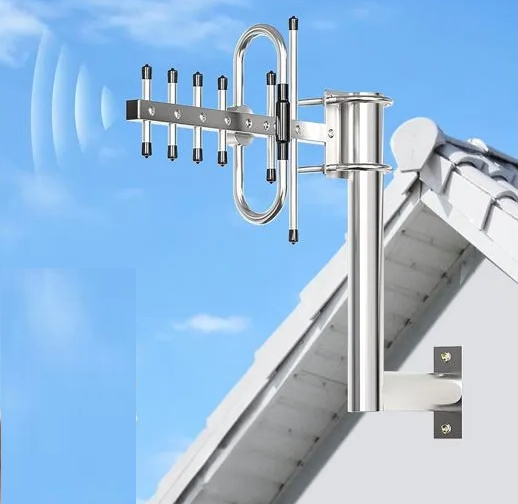
A Wi-Fi extender, also called a repeater or range extender, receives the wireless signal from your existing router and rebroadcasts it farther into the home.
It can be useful when one specific area has weak coverage, such as:
- a bedroom at the end of a hallway;
- a home office on another floor;
- a garage;
- a small outdoor area;
- one room blocked by thick walls.
Most extenders are relatively inexpensive and easy to install.
However, performance depends heavily on where the extender is placed. If it receives a weak signal from the router, it will only repeat that weak connection.
What Is Mesh Wi-Fi?
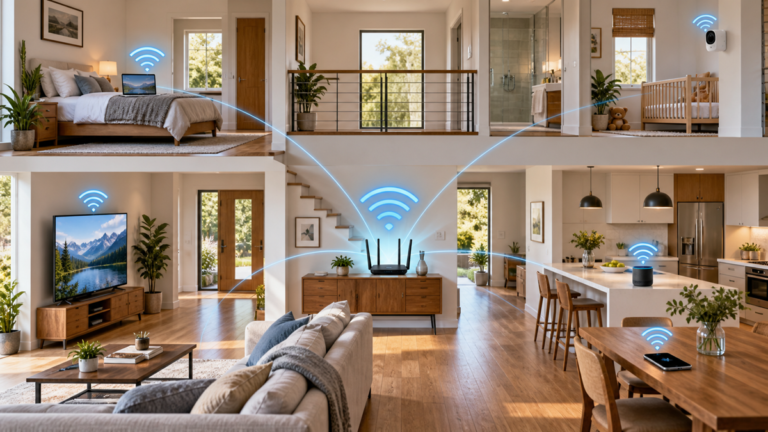
A mesh Wi-Fi system uses multiple coordinated nodes to create one larger wireless network.
One node connects to the modem or gateway, while additional nodes are positioned around the home.
The system manages communication between the nodes and helps connected devices move between them more smoothly.
If you want a deeper explanation of how nodes, backhaul and roaming work, see our mesh Wi-Fi systems guide.

Coverage Comparison
Wi-Fi Extender
An extender usually works best when there is one localized coverage problem.
For example, if the router covers most of the home but one bedroom receives a weak signal, an extender may be sufficient.
Mesh Wi-Fi
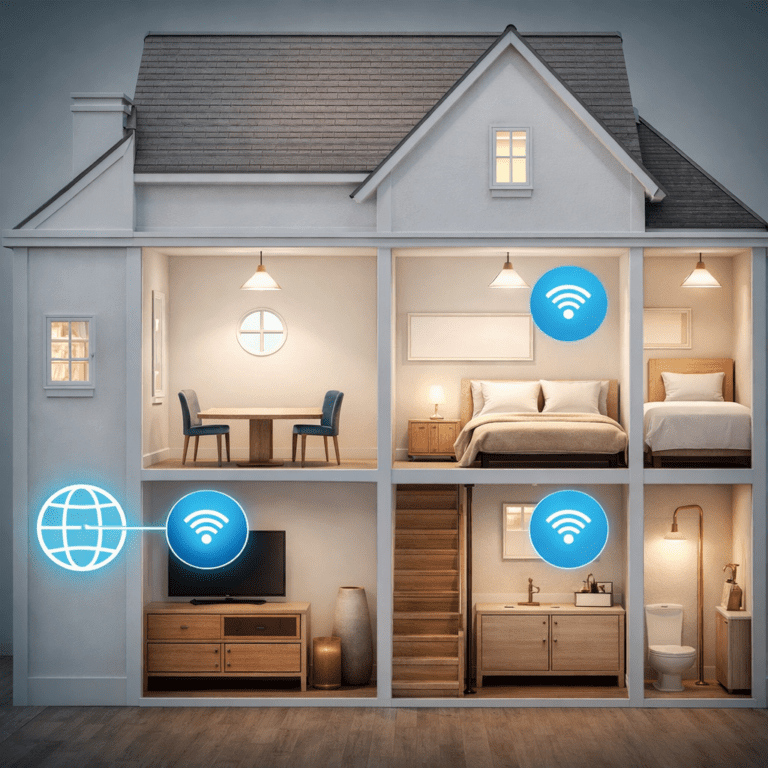
Mesh systems are better suited to larger or more complex spaces.
They can provide more even coverage across:
- multiple floors;
- large homes;
- long floor plans;
- homes with many dead zones;
- properties where the router cannot be placed centrally.
For widespread coverage problems, mesh is usually more effective than adding several independent extenders.
Speed and Performance
Both extenders and mesh systems can lose some performance compared with a device connected directly to the main router.
Extender Performance
Traditional extenders may use the same wireless radio to receive data from the router and retransmit it to client devices.
This can reduce available throughput, especially on older or simpler models.
Performance also drops when the extender is placed too far from the router.
Mesh Performance
Mesh systems are designed to coordinate traffic between multiple nodes.
Higher-end systems may use:
- dedicated wireless backhaul;
- tri-band or multi-band radios;
- Ethernet backhaul;
- more advanced traffic management.
These features can improve performance compared with a basic extender, particularly in larger homes.
Roaming and Network Switching
Roaming is one of the biggest practical differences between mesh and traditional extenders.
With an Extender
Some extenders create a separate network name, such as HomeWiFi_EXT.
In that case, your phone or laptop may remain connected to the weaker network until you manually switch.
Newer extenders may integrate more smoothly, but behavior can still vary between devices.
With Mesh
Mesh systems are designed to appear as one unified network.
As you move around the home, the system can encourage compatible devices to connect to the nearest or strongest node.
This usually makes mesh more convenient for mobile devices.
Setup and Ease of Use
Extender Setup
Wi-Fi extenders are usually simple to configure.
Typical installation involves:
- plugging the extender into a power outlet;
- connecting it to the existing Wi-Fi network;
- placing it between the router and weak-signal area;
- testing the connection.
The most important part is placement. The extender must still receive a strong enough signal from the router.
Mesh Setup
Mesh systems usually use a mobile app to guide installation.
The app may help determine whether each node has a good connection to the rest of the system.
Although there are more units to install, centralized management is often easier once the system is configured.
Cost Comparison
Cost is one of the strongest advantages of a Wi-Fi extender.
If you only need to improve coverage in one small area, buying a full mesh system may be unnecessary.
A single extender can be a practical low-cost solution.
Mesh systems cost more because they include multiple coordinated access points and more advanced networking features.
However, using several cheap extenders throughout a large home can become difficult to manage and may eventually cost almost as much as an entry-level mesh system.
Gaming and Streaming
For gaming and high-quality streaming, connection stability matters as much as raw speed.
Gaming
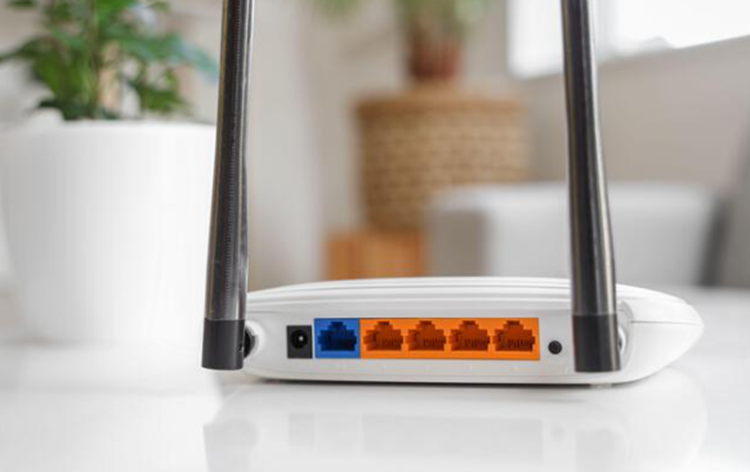
For a gaming PC or console, Ethernet remains the preferred option whenever possible.
A wireless extender introduces another wireless link and can increase latency or reduce throughput.
A mesh node using Ethernet backhaul can offer much better performance.
Video Streaming
Both extenders and mesh systems can provide enough bandwidth for streaming if the wireless connection is strong.
Problems are more likely when:
- the extender is too far from the router;
- several wireless hops are required;
- the network is heavily congested;
- many devices are streaming simultaneously.
Wi-Fi Standards Matter Too
The performance of either solution also depends on the Wi-Fi generation supported by the router, extender, mesh system and client devices.
Modern products follow Wi-Fi standards and certification programs maintained by the Wi-Fi Alliance.
A newer Wi-Fi 6 or Wi-Fi 7 device may offer better efficiency and performance, but good placement is still essential.
Which Option Should You Choose?
Choose a Wi-Fi Extender If:
- only one room has weak Wi-Fi;
- your home is small or medium-size;
- you want the lowest-cost solution;
- seamless roaming is not important;
- your main router already works well elsewhere.
Choose Mesh Wi-Fi If:
- you have several dead zones;
- your home has multiple floors;
- you want one unified network;
- you move frequently between rooms with mobile devices;
- you want easier network expansion;
- you can use wired or dedicated backhaul.
Consider Ethernet Instead If:
If the problem affects a fixed device such as a desktop PC, television or game console, a wired Ethernet connection may be simpler and more reliable than either an extender or mesh Wi-Fi.
Common Mistakes
Putting an Extender Inside the Dead Zone
An extender must receive a usable Wi-Fi signal before it can rebroadcast it.
Assuming Mesh Increases Internet Speed
Mesh improves local wireless coverage. It cannot make the internet connection from your provider faster than the subscribed service.
Adding Too Many Extenders
Multiple independent extenders can create overlapping networks, inconsistent roaming and unnecessary interference.
Ignoring Router Placement
Sometimes moving the router into a more central and open location solves the problem without buying anything.
Buying Faster Hardware Than You Need
A very expensive mesh system may provide little benefit if your internet connection is modest and your current router already covers most of the home.
Wi-Fi Extender vs Mesh: Quick Comparison
| Feature | Wi-Fi Extender | Mesh Wi-Fi |
|---|---|---|
| Best for | One small dead zone | Whole-home coverage |
| Cost | Lower | Higher |
| Roaming | Can be less seamless | Usually smoother |
| Expansion | Limited | Designed for multiple nodes |
| Management | May be separate | Centralized |
| Wired backhaul | Model dependent | Common on many systems |
Final Thoughts
The choice between a Wi-Fi extender vs mesh system depends mainly on how large the coverage problem is.
For one weak room, a well-positioned extender can be inexpensive and effective.
For multiple dead zones, several floors or a home where seamless roaming matters, mesh Wi-Fi is usually the more practical long-term solution.
Before buying either option, test your current Wi-Fi coverage and consider moving the router first. A better router location can sometimes improve the network more than additional hardware.
Frequently Asked Questions
Is mesh Wi-Fi better than an extender?
For large homes and multiple dead zones, usually yes. For one small coverage problem, an extender may be cheaper and sufficient.
Does a Wi-Fi extender slow down internet speed?
It can reduce available throughput, especially if it uses the same wireless radio for communication with both the router and connected devices.
Can I use a Wi-Fi extender with a mesh system?
Technically this may be possible in some setups, but it is usually better to add another compatible mesh node if additional coverage is required.
Does mesh Wi-Fi use one network name?
Normally yes. Mesh systems are designed to provide one coordinated network across all nodes.
Is mesh better for gaming?
A mesh system with Ethernet backhaul can provide good performance, but direct Ethernet remains preferable for latency-sensitive gaming whenever possible.
Should I replace my extender with mesh?
If your current extender solves the problem reliably, there may be no need. Mesh becomes more attractive when coverage problems affect several areas or roaming between networks becomes inconvenient.