How to Boost Wi‑Fi Coverage in Large Homes
A faster broadband plan will not eliminate dead zones when the wireless signal cannot reach important parts of the property.
Most coverage problems can be improved through better router placement, mesh Wi-Fi, wired access points, Ethernet backhaul, or a combination of these solutions.
This guide explains how to test weak Wi-Fi, choose suitable equipment, position network nodes, and build reliable coverage across multiple rooms and floors.
Why Large Homes Have Wi-Fi Coverage Problems
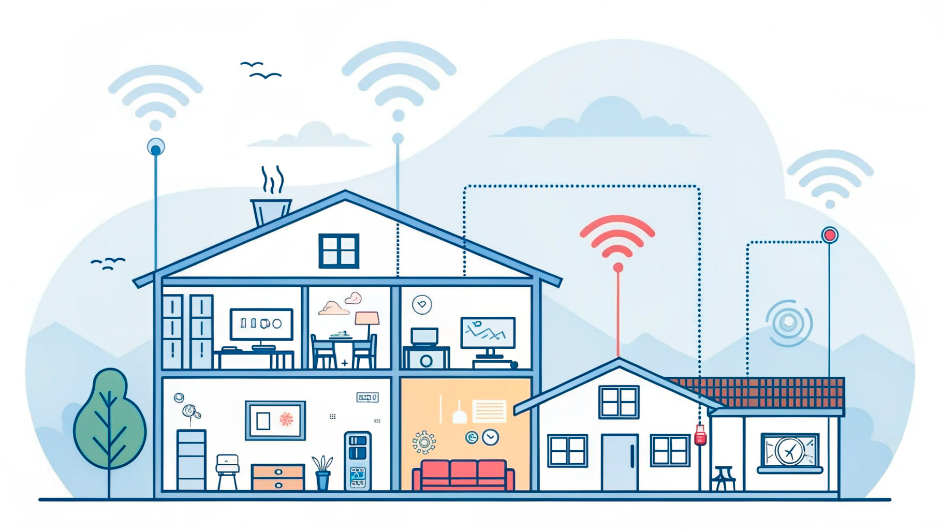
A single wireless router can struggle to cover a large home because radio signals weaken with distance and when passing through walls, ceilings, furniture, and other obstacles.
Typical symptoms include:
- Dead zones: rooms where devices cannot connect reliably.
- Weak signal: Wi-Fi works, but performance falls significantly far from the router.
- Unstable connections: video calls, streaming, or gaming disconnect intermittently.
- Poor upstairs coverage: signals have difficulty passing through reinforced floors.
- Basement problems: thick concrete and below-ground construction weaken reception.
- Outdoor dead zones: patios, gardens, garages, and outbuildings receive little or no service.
Building Materials Affect Wi-Fi
Lightweight internal walls normally reduce Wi-Fi less than reinforced concrete, brick, stone, metal, mirrors, foil-backed insulation, and some underfloor structures.
Consequently, two houses of similar size can require very different Wi-Fi systems.
Internet Speed and Wi-Fi Speed Are Different
The internet connection brings data into the property. Wi-Fi distributes the local network wirelessly inside the property.
If performance is fast near the router but poor in another room, the main problem is probably Wi-Fi coverage.
However, if Ethernet and Wi-Fi are both slow beside the router, the internet service, modem, router, or upstream network may be the bottleneck.
Diagnose Weak Wi-Fi Before Buying Equipment
Before replacing the router or purchasing a mesh system, determine where the problem begins.
- Test the internet through Ethernet where possible.
- Test Wi-Fi close to the main router.
- Repeat the Wi-Fi test in several rooms.
- Check upstairs, downstairs, the basement, and known dead zones.
- Use the same device for each comparison.
- Repeat the tests at different times.
Use a Wired Test as a Baseline
Connect a computer directly to the router or modem through Ethernet where practical.
If the wired connection is also slow, extending the Wi-Fi network will not correct the underlying internet problem.
Test More Than Download Speed
Record:
- download speed
- upload speed
- latency
- connection stability
- signal strength where available
Video calls and remote work may be affected by poor upload stability or packet loss even when the download result looks acceptable.
Check Whether One Device Is the Problem
If only one phone or laptop performs poorly, the issue may involve that device’s Wi-Fi hardware, software, power-saving settings, or network configuration.
Test several devices before changing the complete home network.
Improve Router Placement
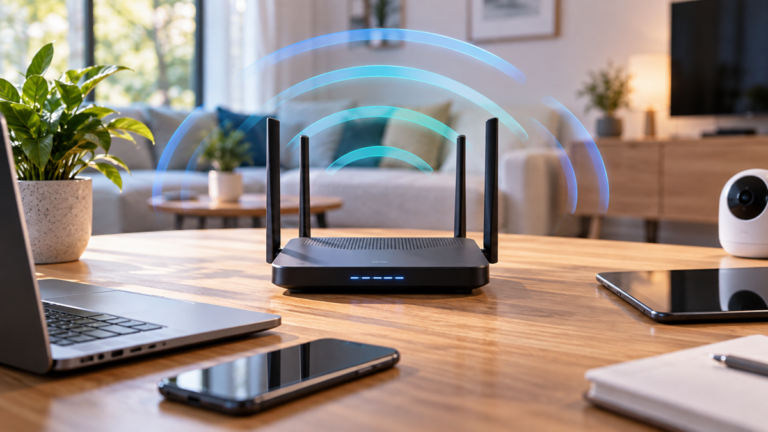
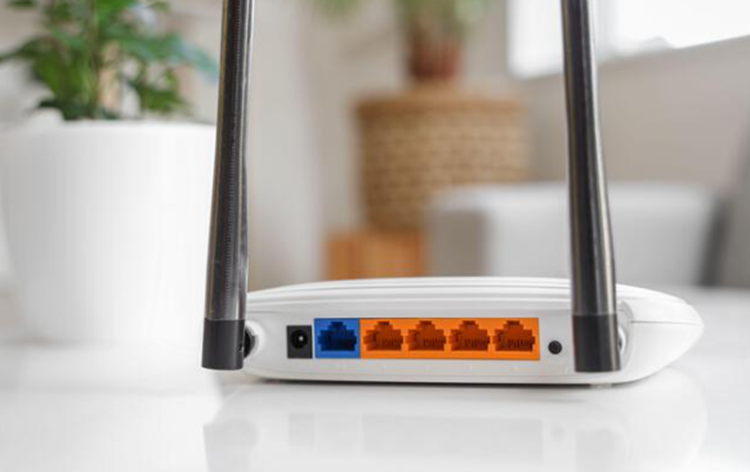
Better router placement is one of the simplest ways to boost Wi-Fi coverage without purchasing additional equipment.
Place the Router Centrally
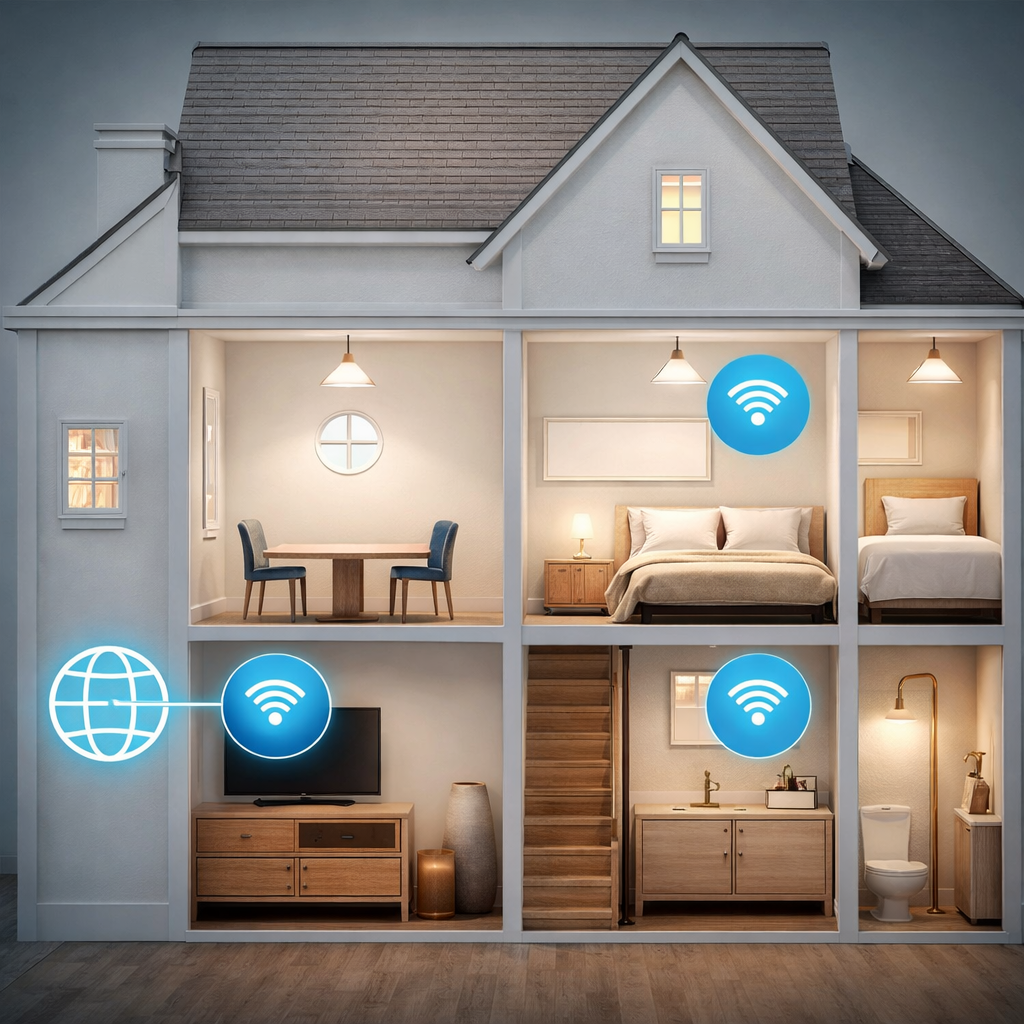
When possible, position the router near the center of the area where Wi-Fi is needed.
A router installed at one extreme end of the property must send its signal through more walls to reach distant rooms.
Keep the Router in the Open
Avoid hiding it:
- inside a closed cabinet
- behind a television
- under a desk
- beside a large metal object
- inside a utility cupboard without a suitable reason
Furniture, walls, and electronics immediately around the router can reduce useful coverage.
Raise the Router
A shelf or elevated surface can provide a clearer radio path than the floor.
However, keep the router stable, ventilated, and accessible for maintenance.
Keep It Away From Interference
Where practical, avoid placing Wi-Fi equipment immediately beside:
- microwave ovens
- large metal appliances
- electrical distribution equipment
- other wireless transmitters
- large mirrors or metal-backed surfaces
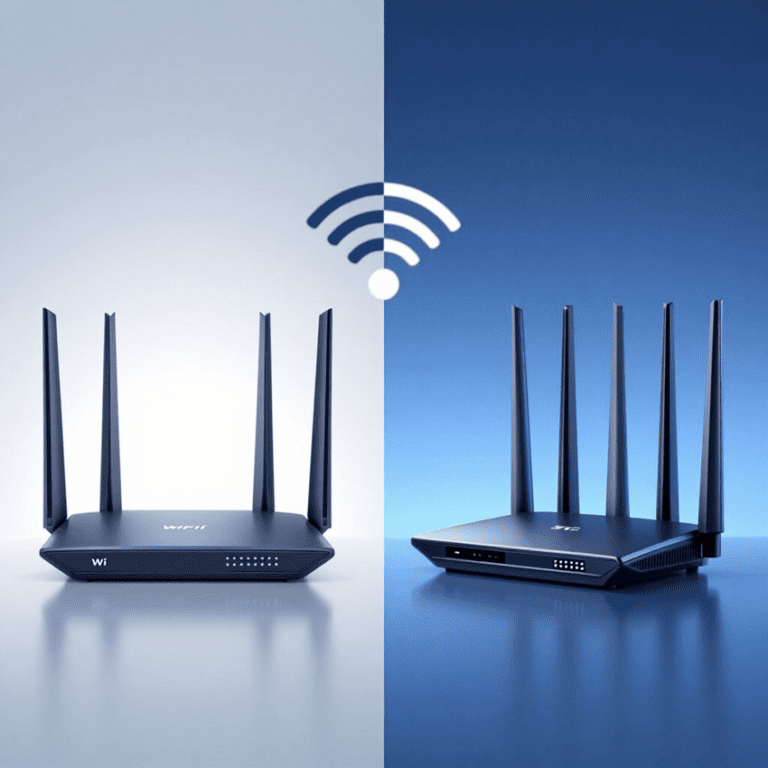
Understand Combined 5G and Wi-Fi Routers
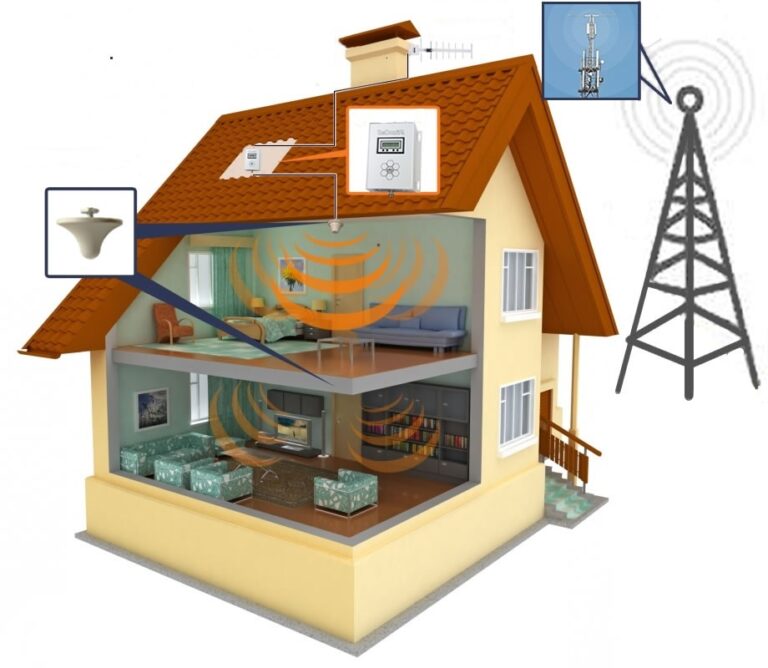
If the internet service arrives through a 4G or 5G router, the best position for cellular reception may not be the best position for indoor Wi-Fi coverage.
For example, the cellular router may need to remain beside an upstairs window. In that situation, use Ethernet to connect it to centrally positioned Wi-Fi access points.
When to Use a Mesh Wi-Fi System
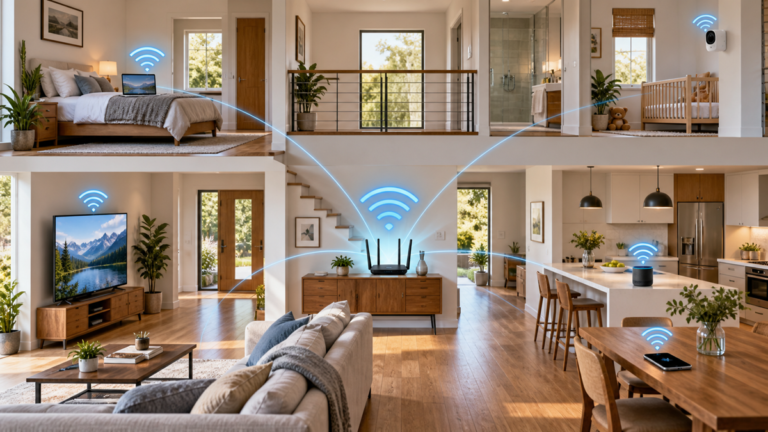
A mesh Wi-Fi system uses multiple compatible units positioned around the home.
One unit connects to the internet service, while additional nodes extend network coverage. For a detailed explanation of nodes, roaming and backhaul, see our mesh Wi-Fi systems guide.
Mesh can be useful when:
- the home has several floors
- a single router cannot cover distant rooms
- running Ethernet to every area is impractical
- devices frequently move between rooms
- one coordinated network is preferred
- many wireless devices share the connection
Mesh Nodes Need a Good Connection
A common mistake is placing a wireless mesh node inside the dead zone.
If the node cannot communicate reliably with the main router or another node, it has little useful capacity to redistribute.
Instead, position it between the existing coverage area and the room that needs improvement.
More Nodes Are Not Always Better
Adding unnecessary nodes can increase interference, complicate roaming, and provide little additional benefit.
Use enough nodes to cover the property, but do not place them closer together than the manufacturer recommends.
Wireless Backhaul
Wireless mesh nodes use Wi-Fi to communicate with the main unit or other nodes.
If client traffic and backhaul share the same radio capacity, available performance may be reduced.
Tri-band or dedicated-backhaul designs may improve this arrangement, but building materials and node placement still matter.
When to Use Wired Wi-Fi Access Points
A wired access point connects to the router or network switch through Ethernet and creates Wi-Fi coverage in another part of the property.
This is often the most predictable way to cover a large or difficult building.
Benefits of Wired Access Points
- reliable backhaul to the router
- consistent performance in distant areas
- less dependence on wireless signals passing through floors
- flexible placement
- suitability for high-demand rooms
Access Point Placement
Place access points near the center of the areas they need to cover rather than directly beside the main router.
In a multi-floor home, one access point per floor may be a useful starting point. However, the actual requirement depends on floor area, construction, room layout, and desired performance.
Power over Ethernet
Some access points support Power over Ethernet, commonly abbreviated as PoE.
PoE allows compatible network equipment to receive power and data through one Ethernet cable.
The switch, injector, cable, and access point must support compatible PoE standards.
Wi-Fi Extenders: Benefits and Limitations
A traditional Wi-Fi extender receives an existing wireless signal and retransmits it.
Advantages
- relatively inexpensive
- simple solution for one small coverage gap
- useful where high performance is not essential
- easy to relocate
Limitations
- available throughput may be reduced
- roaming may be less coordinated
- placement is critical
- some models create a separate network name
- they cannot improve an unusable source signal
Do Not Place an Extender in the Dead Zone
An extender must receive a sufficiently strong and stable connection from the main router.
Place it where the original Wi-Fi still works well, but close enough to improve coverage in the target room.
Mesh Wi-Fi vs Extenders vs Wired Access Points
| Solution | Best Use | Main Advantage | Main Limitation |
|---|---|---|---|
| Single router | Smaller or open-plan properties | Simple and economical | Limited by one installation position |
| Wi-Fi extender | One small coverage gap | Low cost and simple setup | May reduce performance and roaming quality |
| Wireless mesh | Whole-home coverage without Ethernet | Coordinated management and roaming | Wireless backhaul depends on node placement |
| Mesh with Ethernet backhaul | Large homes with network cabling | Reliable node-to-node connection | Requires suitable Ethernet routes |
| Wired access points | High-performance multi-room networks | Predictable coverage and backhaul | Installation can require cabling and configuration |
The best solution depends on the property, budget, cabling, number of devices, and required performance.
When to Upgrade Your Router
Replacing an old router can improve performance when the current equipment has:
- outdated Wi-Fi support
- limited processing capacity
- poor radio performance
- insufficient Ethernet speed
- no current security updates
- difficulty handling the number of connected devices
Wi-Fi 6 and Newer Equipment
Wi-Fi 6 can improve efficiency in busy wireless environments and provide newer security and networking features.
However, connected devices must support Wi-Fi 6 to use all of its capabilities.
A new router also cannot eliminate the physical effects of thick walls, distance, and reinforced floors.
Check the Ethernet Ports
If the internet connection is faster than the router’s WAN or LAN ports, the wired interface may become a bottleneck.
Also check the speed of switches, cables, adapters, and access-point uplinks.
Check Update Support
Router security is important because the router manages traffic between the home network and the internet.
The
NIST consumer-router cybersecurity guidance
explains why security support is an important part of router selection.
For broader planning guidance, see
How to Build a Fast and Stable Home Network
2.4 GHz, 5 GHz and 6 GHz Wi-Fi
Modern Wi-Fi networks may use several frequency bands. Each has different practical characteristics.
2.4 GHz
The 2.4 GHz band generally provides broader reach and better obstacle penetration than higher Wi-Fi frequencies.
However, it normally offers less capacity and may experience interference from neighboring networks and other equipment.
It can be useful for:
- distant devices
- many low-bandwidth smart-home products
- areas separated by several walls
5 GHz
The 5 GHz band generally provides more available spectrum and higher potential throughput.
Its useful range may be shorter, especially through dense walls and floors.
It is often suitable for:
- laptops
- phones
- televisions
- game consoles
- high-bandwidth devices close to an access point
6 GHz
Wi-Fi 6E and newer compatible equipment can use the 6 GHz band where local regulations permit it.
This can provide additional spectrum and cleaner channels. Nevertheless, practical range and obstacle penetration can be more limited.
Good access-point placement is especially important when using 6 GHz.
Should the Bands Use One Network Name?
Many modern systems use one network name and automatically guide devices between available bands.
This can simplify roaming and management.
However, some older smart-home devices are easier to configure when a dedicated 2.4 GHz network is available. Use separate names only when they solve a specific compatibility or management problem.
Ethernet and Wired Backhaul
Ethernet remains one of the most reliable ways to improve a large home network.
Connect Fixed Devices by Cable
Where practical, use Ethernet for:
- desktop computers
- gaming consoles
- smart televisions
- streaming boxes
- network storage
- home-office equipment
- security camera recorders
This reduces the amount of traffic competing for wireless airtime.
Use Ethernet Backhaul
Some mesh systems allow nodes to connect through Ethernet.
This is known as wired or Ethernet backhaul.
It can improve performance because node-to-node traffic does not need to share the same wireless connection used by client devices.
Use Existing Cabling Carefully
Some homes can use existing structured Ethernet cabling.
Other network technologies may be able to use television coaxial cables or electrical wiring, but performance and compatibility vary.
Do not assume that every cable behind a wall is correctly terminated or suitable for the intended network speed.
Wi-Fi for Gardens, Garages and Outbuildings
Outdoor areas introduce different coverage, mounting, power, weather, and safety requirements.
Use Outdoor-Rated Equipment
An indoor router or access point should not be installed outdoors unless the manufacturer specifically approves it for that environment.
Outdoor-rated equipment may provide:
- weather resistance
- suitable temperature tolerance
- secure mounting
- appropriate cable-entry protection
Use Ethernet or Fiber Where Practical
A wired connection to an outbuilding can provide more predictable performance than trying to push Wi-Fi through several external walls.
However, running copper network cable between separate buildings can create electrical and lightning-related concerns.
Professional advice may be appropriate, and fiber can provide electrical isolation in suitable installations.
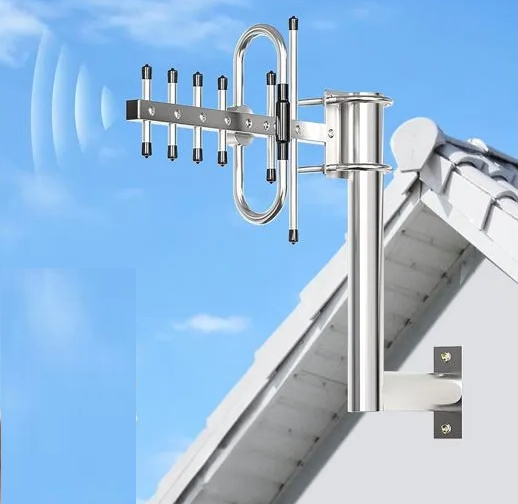
Point-to-Point Wireless Links
A purpose-built wireless bridge can connect two buildings with a clear or suitable radio path.
This is different from placing an ordinary indoor extender beside a window.
Secure the Whole-Home Wi-Fi Network
Coverage improvements should not weaken network security.
Use these basic practices:
- install current router and mesh firmware
- use WPA3 where supported
- otherwise use a strong supported WPA2 configuration
- choose a unique Wi-Fi password
- change the default administrator password
- disable outdated security modes where practical
- review connected devices
- remove unused administrator accounts
- use a separate guest network where appropriate
Consider a Separate Smart-Home Network
Some routers support guest networks, device isolation, or separate network segments.
These features can help separate less-trusted smart devices from computers containing sensitive information.
However, segmentation can interfere with device discovery and local control when configured incorrectly.
How to Plan Wi-Fi Coverage in a Large Home
- Draw a simple floor plan. Mark the router, rooms, floors, and outdoor areas requiring service.
- Identify building obstacles. Note reinforced walls, stone, metal, mirrors, and underfloor structures.
- Test the current network. Record wired and wireless performance in each important location.
- Choose access-point positions. Place them near the center of the areas they need to cover.
- Plan backhaul. Use Ethernet where practical and suitable wireless backhaul elsewhere.
- Prioritize important rooms. Home offices, media rooms, and security equipment may need stronger connections.
- Install gradually. Test each new node or access point before adding more.
- Retest the property. Check roaming, speed, latency, and stability after installation.
Do Not Design by Floor Area Alone
Product coverage figures are estimates measured under particular conditions.
A smaller stone or reinforced-concrete home may need more access points than a larger open-plan timber property.
Plan for Capacity as Well as Coverage
A strong signal does not guarantee enough capacity for many active devices.
Consider how many devices will stream, upload, game, back up data, or use video calls simultaneously.
Wi-Fi Troubleshooting Checklist
Before buying additional equipment, work through these checks:
- Restart the router and modem or ONT when appropriate.
- Install current firmware from the manufacturer.
- Check whether one device or every device is affected.
- Test the internet through Ethernet.
- Test Wi-Fi close to the router.
- Move the router into a more open and central position.
- Check that mesh nodes are not too far apart.
- Confirm that cables and Ethernet ports support the required speed.
- Use 5 GHz when the signal is strong and higher capacity is needed.
- Use 2.4 GHz when additional reach is more important.
- Consider Ethernet for stationary high-bandwidth devices.
- Check for congested channels and neighboring networks.
- Confirm that the internet service itself is not the bottleneck.
Do Not Change Channels Randomly
Manual channel selection can help in some environments, but automatic channel management may already be making appropriate choices.
If selecting channels manually, first inspect local wireless conditions with an appropriate analysis tool.
Check Channel Width
Wider channels can increase potential throughput, but they also use more spectrum and may perform poorly in congested environments.
The widest available channel is not automatically the best choice.
Check Roaming Behavior
Phones and laptops normally decide when to move from one access point to another.
If a device remains connected to a distant access point, check node placement, transmit power, system compatibility, and roaming settings.
Common Wi-Fi Coverage Mistakes
Buying the Most Expensive Router First
One powerful router may still be unable to cover a large building with dense walls.
Placing Nodes Inside Dead Zones
A wireless mesh node or extender needs a reliable source connection.
Adding Too Many Nodes
Excessive overlap can increase interference and complicate roaming.
Ignoring Ethernet
Wired backhaul and wired client connections can improve both performance and reliability.
Using Only Speed Tests
Also evaluate latency, uploads, packet loss, roaming, and stability.
Confusing Internet Speed With Wi-Fi Coverage
A faster subscription does not increase the radio range of the router.
Hiding the Router
Closed cabinets, furniture, metal, and poor placement can reduce coverage.
Assuming 2.4 GHz Is Always Better
It may provide greater reach, but 5 GHz can deliver more capacity where the signal is strong.
Ignoring Security Updates
A router that no longer receives updates may pose a security risk even if its wireless coverage remains acceptable.
Mixing Unrelated Mesh Products
Products from different systems may not provide coordinated roaming, management, or backhaul.
Confirm compatibility rather than assuming every device labeled “mesh” will operate as one integrated system.
Frequently Asked Questions About Wi-Fi Coverage
What is the best way to get Wi-Fi throughout a large house?
For many large homes, multiple wired access points or a properly positioned mesh system provide better whole-home coverage than a single router.
The best choice depends on construction, Ethernet availability, floor layout, budget, and performance requirements.
Does a Wi-Fi extender reduce speed?
It can. Some extenders use wireless capacity both to communicate with the router and to serve connected devices.
The result depends on design, placement, radio configuration, and source signal quality.
Is mesh Wi-Fi faster than a normal router?
Not automatically. A single high-quality router may be faster when the device is close to it.
The main advantage of mesh is broader and more coordinated coverage.
Should I use 2.4 GHz or 5 GHz upstairs?
Use whichever provides the best balance of signal quality, stability, and speed at that location.
The 2.4 GHz band generally travels farther, while 5 GHz usually provides more capacity when its signal is strong.
Can Wi-Fi pass through concrete walls?
Yes, but reinforced concrete can weaken radio signals substantially.
Buildings with concrete, stone, or metal structures often benefit from additional wired access points.
Will a faster internet plan improve Wi-Fi range?
No. A faster plan increases the potential bandwidth entering the property but does not increase Wi-Fi radio range.
Where should I place a mesh node?
Place it where it still receives a reliable connection from the main router or another node while remaining close enough to improve the target area.
How many mesh nodes does a large home need?
There is no universal number. The requirement depends on floor area, construction, node capability, backhaul, and desired performance.
Start with the manufacturer’s guidance, test the property, and add nodes only where necessary.
Is wired backhaul worth using?
Yes, when Ethernet is available. It can provide a stable connection between mesh nodes or access points and preserve more wireless capacity for client devices.
Can I use two routers to improve Wi-Fi?
Yes, but the second device should normally be configured as an access point or used within a compatible mesh system.
Operating two unrelated routers in normal routing mode may create double NAT and separate networks.
Final Thoughts
The best way to boost Wi-Fi coverage is to design the network around the shape and construction of the home rather than relying on one expensive router.
Start with testing and placement. If one router cannot cover the property, use mesh Wi-Fi or wired access points. Connect stationary high-bandwidth devices through Ethernet and use wired backhaul wherever practical.
Finally, secure the router, install updates, and retest coverage after every major change.
A well-planned network should provide not only a strong signal but also stable connections, sufficient capacity, and reliable performance in the rooms where devices are actually used.