Home Theater Components: What Does a Complete System Include?
Home theater components work together to deliver video, sound, media playback, and convenient system control.
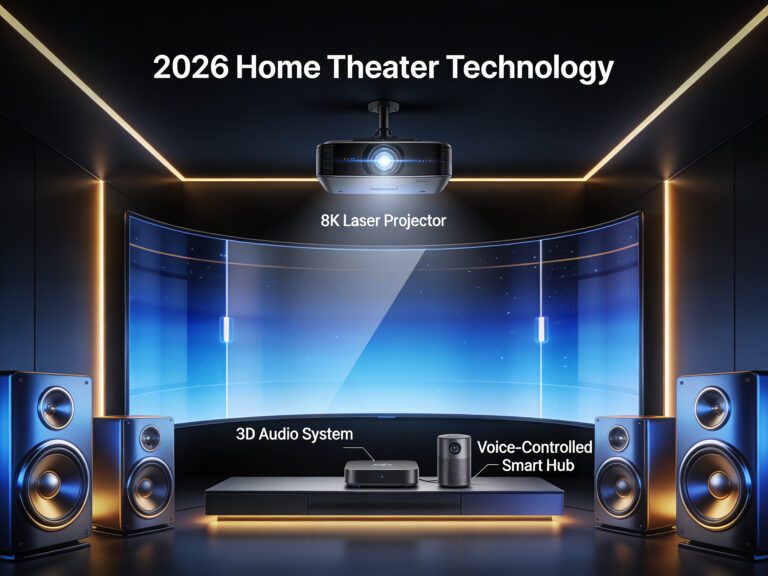
A complete system may include a television or projector, speakers, a subwoofer, an AV receiver, media sources, cables, furniture, and control devices.
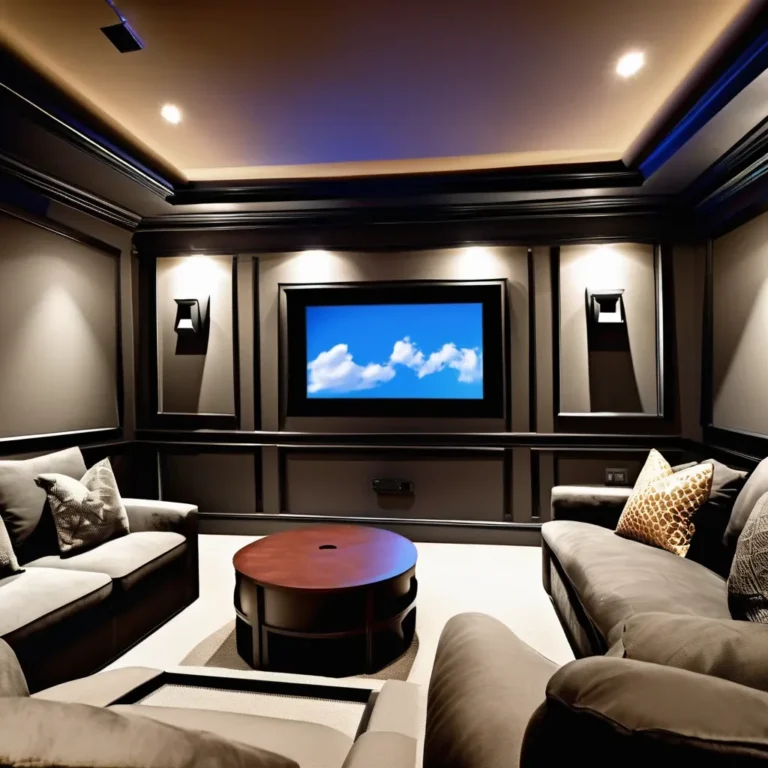
However, every home theater does not need the same equipment. A television and soundbar may be sufficient for a small living room, whereas a dedicated cinema room may use a projector, screen, AV receiver, multiple speakers, acoustic treatment, and several media sources.
This guide explains what each component does, which parts are essential, and how to choose a practical combination for your room, viewing habits, and budget.
Essential Home Theater Components
The three basic functions of a home theater are displaying a picture, reproducing sound, and playing content. Therefore, the minimum system needs:
- A display: usually a television or projector.
- An audio solution: television speakers, a soundbar, powered speakers, or a receiver-based speaker system.
- A media source: built-in streaming applications, a streaming device, disc player, game console, or computer.
More advanced systems may also include:
- an AV receiver or surround processor;
- front, center, surround, and height speakers;
- one or more subwoofers;
- a projector screen;
- HDMI cables and speaker wire;
- network connections;
- equipment furniture or a rack;
- universal or smart-home controls;
- acoustic treatment and light control.
Not every optional component improves every room. Select equipment according to the available space and the type of content you use instead of trying to include the largest possible number of devices.
1. Television or Projector
The display is the visual center of the system. A television is generally the simplest option for everyday viewing, whereas a projector makes very large image sizes more practical.
Television
A television combines the display, video processing, speakers, tuner, and smart applications in one enclosure. Consequently, it can function as a basic home theater without requiring a separate media player.
Important television characteristics include:
- screen size and viewing distance;
- contrast and black-level performance;
- brightness and reflection handling;
- color accuracy;
- HDR support and performance;
- viewing angles;
- HDMI connections;
- refresh rate and gaming features;
- smart-platform support.
A television is usually the more practical choice for a bright multipurpose room. It is also easier to install because it does not require a separate screen or a specific projection distance.
Projector
A projector can create a more cinema-like sense of scale. However, the projector, screen, room, and installation position must work together.
When comparing projectors, consider:
- desired image size;
- throw ratio and mounting distance;
- brightness under realistic viewing conditions;
- contrast and black levels;
- resolution and image-creation method;
- lens shift and zoom;
- HDR performance;
- input lag and supported refresh rates;
- light-source life;
- fan noise.
For a more detailed explanation of these specifications, read our
true 4K projector buying guide.
2. Projector Screen
A projector requires a suitable surface. Although a smooth wall can be used temporarily, a purpose-built screen generally provides more predictable geometry, texture, color, and light reflection.
Common screen options include:
- Fixed-frame screens: remain permanently visible and work well in dedicated rooms.
- Manual retractable screens: roll away when the room is used for other purposes.
- Motorized screens: provide convenient automatic operation.
- Acoustically transparent screens: allow compatible speakers to be positioned behind the image.
- Ambient-light-rejecting screens: are designed for particular projection and room-light conditions.
Screen gain, viewing angle, surface color, size, and projector type influence the result. Therefore, do not select a screen solely because it is advertised as brighter.
The image should also fit comfortably within the viewer’s field of vision. The largest screen that fits on the wall is not automatically the best choice.
3. Home Theater Audio Options
Audio can range from the speakers built into a television to a complete multichannel system. The appropriate option depends on the room, installation restrictions, desired performance, and tolerance for visible speakers and cables.
Television speakers
Built-in speakers provide the simplest solution and may be adequate for news, casual television, and small rooms. However, thin television cabinets limit speaker size, placement, and bass extension.
Soundbar
A soundbar combines several speaker drivers, amplification, and audio processing in one compact enclosure. Some packages also include a wireless subwoofer and compatible rear speakers.
A soundbar is particularly suitable for:
- apartments and small living rooms;
- systems where simple operation is important;
- rooms where speaker cables cannot be installed easily;
- users who do not plan frequent equipment upgrades.
Some soundbars use processing or upward-firing drivers to create wider, surround, or height effects. Nevertheless, results depend on the room shape, ceiling, listening position, and complete product design.
Separate speakers
A receiver-based system uses individual speakers placed around the listening area. It requires more planning but provides greater control over speaker selection, placement, upgrades, and system expansion.
A correctly installed 5.1 system can provide a convincing surround experience. More channels may add immersion when the room has enough space for correct placement.
4. AV Receiver
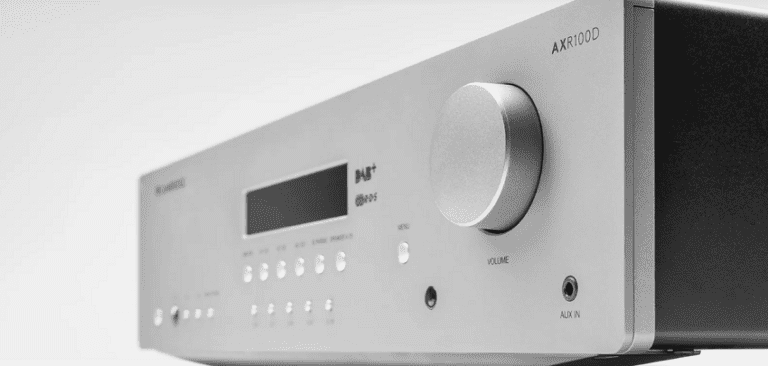
An AV receiver is the central component of many traditional home theaters. It accepts signals from media sources, processes audio, powers passive speakers, and sends video to a television or projector.
A receiver is normally required when you use conventional passive speakers. It may not be necessary with a soundbar, powered speakers, or a self-contained wireless audio system.
Important AV receiver features include:
- enough amplified channels for the intended layout;
- support for the required surround formats;
- sufficient HDMI inputs;
- video compatibility with the display and sources;
- HDMI eARC support where required;
- room-calibration software;
- one or more subwoofer outputs;
- network streaming and app control;
- speaker impedance compatibility;
- preamp outputs if external amplification may be added later.
If you intend to add height speakers later, make sure the receiver has both the processing capability and the necessary amplified channels. An advertised audio format does not always mean that every possible speaker configuration is supported.
HDMI eARC can return compatible audio from a television to a receiver or soundbar through an HDMI connection. The official
HDMI eARC overview
explains the purpose of this feature.
5. Home Theater Speakers
The main home theater components responsible for sound may include front, center, surround, and height speakers. Each group performs a different role.
Front-left and front-right speakers
The front pair creates the main soundstage. These speakers reproduce music, effects, and part of the dialogue. Bookshelf and floorstanding models can both work well when they suit the room and expected listening level.
Center speaker
The center channel reproduces much of the dialogue in conventional surround mixes. It should be positioned close to the screen and directed toward the primary seating area.
For the most consistent front soundstage, the left, center, and right speakers should have compatible tonal characteristics. Using models from the same speaker series is a common way to achieve this.
Surround speakers
Surround speakers reproduce effects and ambience beside or behind the listeners. Their correct position depends on the selected layout. For example, 5.1 and 7.1 systems do not use identical surround positions.
Height speakers
Immersive audio systems may use in-ceiling, on-ceiling, or upward-firing speakers to reproduce height information. Suitable placement depends on the configuration, room, ceiling, and speaker design.
The
official Dolby speaker setup guides
provide diagrams for common conventional and Dolby Atmos layouts.
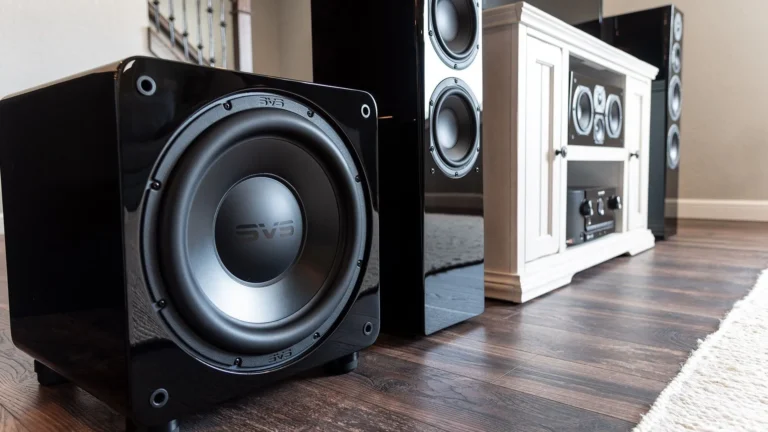
6. Subwoofer
A subwoofer reproduces deep bass and the low-frequency effects channel. It can also reduce the bass demands placed on the main speakers when the receiver’s crossover is configured correctly.
Subwoofer performance depends heavily on the room. Moving it a relatively short distance can significantly change bass level and consistency at the listening position.
When choosing a subwoofer, consider:
- room size and listening distance;
- desired listening level;
- low-frequency extension;
- available floor space;
- connection options;
- placement flexibility;
- neighbors and sound transmission.
A larger subwoofer is not automatically appropriate for every room. Likewise, a small model may struggle when expected to produce powerful bass in a large open space.
Two properly placed and calibrated subwoofers can sometimes provide more consistent bass across several seats. However, this approach increases cost and setup complexity.
7. Media Sources
A media source supplies movies, television, games, music, or local files to the system. Many home theaters use several source types.
Smart TV applications
Built-in applications provide a simple streaming solution without a separate device. However, interface speed, updates, format support, and long-term application availability vary between television platforms.
Streaming player
A separate streaming box or stick may provide a preferred interface, broader application support, or additional audio and video capabilities.
Check support for the resolution, HDR formats, frame rates, and audio formats required by the rest of the system.
Disc player
Blu-ray and Ultra HD Blu-ray players support physical media and do not require internet bandwidth during playback. Available video and audio quality depends on the disc, player, receiver, and display.
Game console
A console can combine gaming, streaming, and sometimes disc playback. For high-resolution or high-refresh-rate gaming, every HDMI connection in the signal path must support the required features.
Home theater PC
A media computer can provide local file playback, large storage capacity, streaming, gaming, web access, and library-management software.
It offers greater flexibility than many dedicated players but also requires more setup and maintenance. Our
complete Home Theater PC guide
explains the relevant hardware, software, storage, audio, and video considerations.
8. Cables and Connections
Cables connect the home theater components and must support the required signals. They do not need to be unnecessarily expensive, but they should be suitable for the connection type, bandwidth, distance, and installation environment.
HDMI cables
HDMI commonly carries digital video and audio between sources, receivers, televisions, projectors, and soundbars.
Select a cable category appropriate for the required resolution, refresh rate, HDR, and other features. Long projector runs may require an active or fiber-based HDMI solution.
A more expensive cable does not automatically improve picture quality when two compatible cables both transmit the required digital signal reliably.
Speaker wire
Passive speakers connect to an amplifier or AV receiver with speaker wire. Select an appropriate conductor size for the distance and speaker requirements.
Use cable rated for in-wall or in-ceiling installation where local rules require it. Keep speaker wire away from hazards and avoid routing it where it can be damaged.
Network connection
Streaming devices, receivers, televisions, and media computers may connect through Ethernet or Wi-Fi. Ethernet is often useful for stationary equipment when a cable can be installed conveniently.
For help planning reliable connectivity, see our guide to building a
fast and stable home network.
9. Remote Controls and Automation
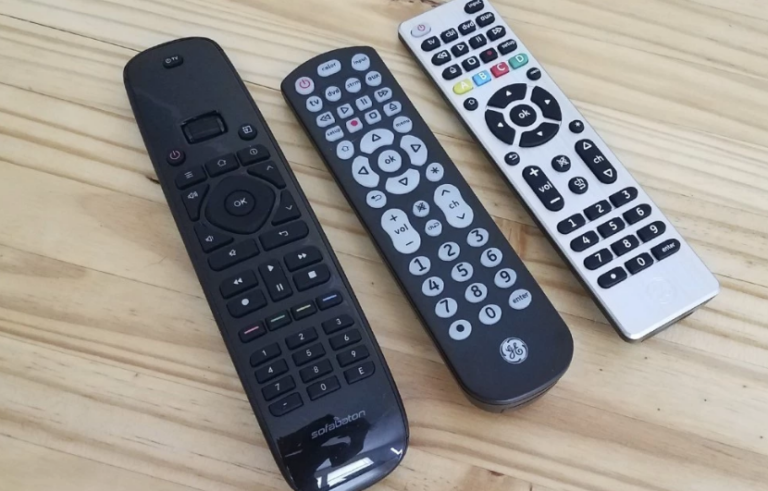
A home theater becomes frustrating when several remotes and input changes are required for a simple viewing session. Therefore, system control should be considered when choosing components.
Control options include:
- the original device remotes;
- a universal remote;
- HDMI-CEC control between compatible devices;
- manufacturer mobile applications;
- voice assistants;
- smart-home scenes;
- professionally installed control systems.
HDMI-CEC can allow one device to control basic functions on another, although compatibility and behavior vary. Test all required functions instead of assuming that products from different manufacturers will work together perfectly.
A simple system may only need a television remote and HDMI eARC. A larger installation may benefit from programmed activities that turn on equipment, select inputs, adjust lighting, and set the correct audio mode.
10. Room, Furniture, and Acoustic Elements
The room is not an electronic component, but it strongly influences both picture and sound.
Useful supporting elements may include:
- blackout curtains or blinds;
- dimmable lighting;
- comfortable seating;
- a television stand or equipment rack;
- speaker stands or wall mounts;
- cable-management products;
- rugs and curtains that reduce strong reflections;
- purpose-designed acoustic treatment;
- equipment ventilation.
Hard floors, large windows, and bare walls can increase sound reflections. Meanwhile, light-colored walls and uncontrolled ambient light can reduce perceived contrast from a projector.
AV receivers, amplifiers, game consoles, and computers also generate heat. Equipment furniture must provide enough ventilation and space for cable connections.
Example Home Theater Configurations
Basic television system
- Smart television
- Built-in applications
- Television speakers
- Internet connection
This is the simplest configuration. It is suitable for casual viewing and can be upgraded later with a soundbar.
Compact living-room system
- Television
- Soundbar
- Optional wireless subwoofer
- Streaming player or built-in applications
- HDMI eARC connection
This configuration offers improved sound without requiring an AV receiver or speaker cables around the room.
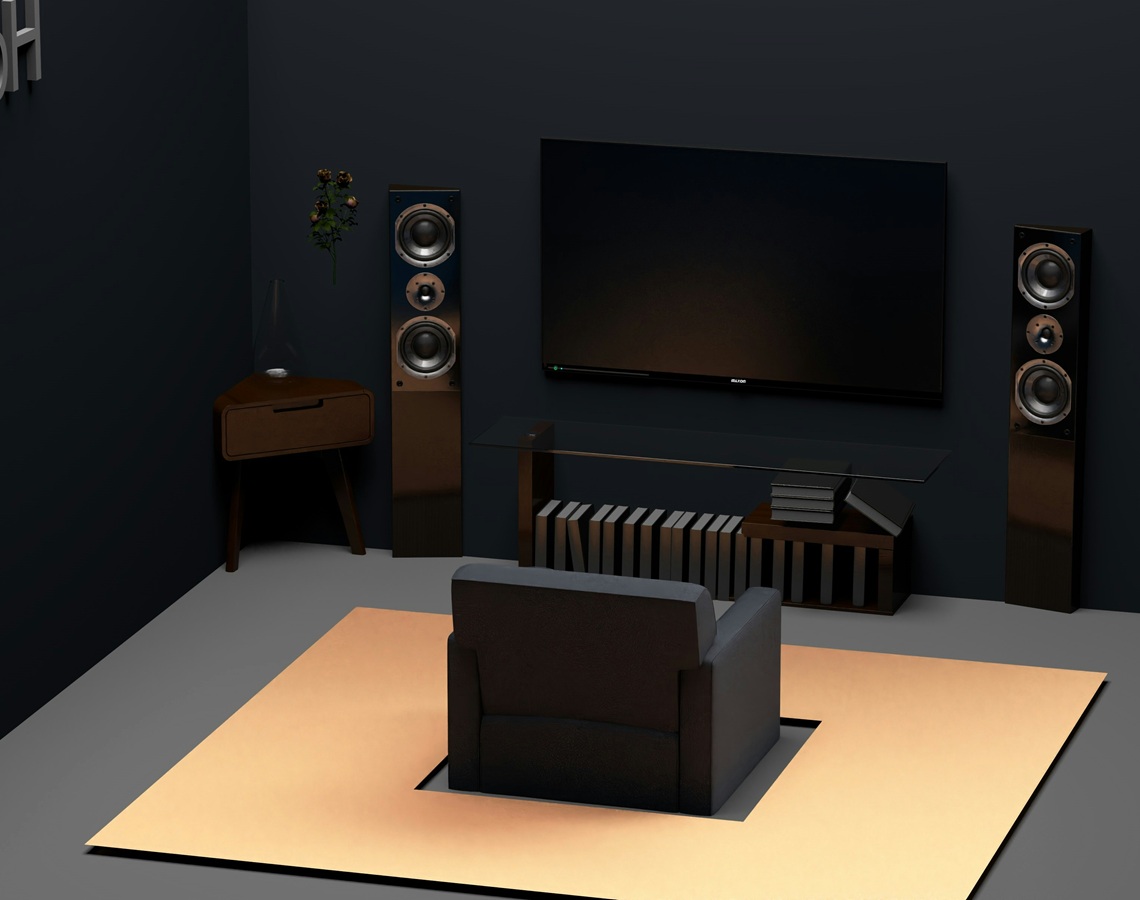
Traditional 5.1 system
- Television or projector
- AV receiver
- Front-left and front-right speakers
- Center speaker
- Two surround speakers
- Subwoofer
- One or more media sources
A correctly arranged 5.1 system provides genuine surround sound and can suit both living rooms and dedicated spaces.
Immersive home theater
- Large television or projector and screen
- Compatible AV receiver
- Front, center, surround, and height speakers
- One or more subwoofers
- Streaming, disc, gaming, or computer sources
- Acoustic and lighting control
An immersive system offers greater scale and flexibility but requires careful planning, placement, wiring, and calibration.
What Should You Buy First?
Begin with the room and the desired system type rather than an individual product.
- Measure the room and select the main seating position.
- Choose between a television and projector.
- Decide whether you want television speakers, a soundbar, or separate speakers.
- Select the intended audio layout.
- Choose a compatible receiver if passive speakers will be used.
- Select media sources and confirm format compatibility.
- Plan cables, furniture, mounts, ventilation, and control.
- Check the total system cost before purchasing individual components.
Avoid spending the entire budget on the display while leaving too little for audio, connections, mounting, and furniture. Conversely, do not buy more speakers than the room can accommodate correctly. Before purchasing the system, see our guide to choosing a home theater system for practical advice on room size, system type, connections, priorities, and future upgrades.
After choosing the components, follow our separate
home theater setup guide
for placement, connections, installation, and calibration.
Common Component-Buying Mistakes
- Choosing equipment before measuring the room: components may not fit or allow correct placement.
- Comparing only resolution or wattage: individual specifications do not describe complete performance.
- Buying incompatible HDMI equipment: every device in the signal path must support the required features.
- Assuming more channels are always better: additional speakers need suitable positions.
- Forgetting ventilation: receivers, amplifiers, consoles, and computers produce heat.
- Ignoring control: a system that is difficult to operate may be used less frequently.
- Buying unnecessarily expensive cables: compatibility and reliable transmission are the priorities.
- Forgetting installation costs: mounts, stands, screens, wiring, and labor can add substantially to the budget.
- Mixing self-contained and conventional systems: many soundbars cannot be combined with ordinary passive speakers.
- Leaving no upgrade path: a receiver may need additional channels or connections for future expansion.
Frequently Asked Questions
What are the essential home theater components?
The essential components are a display, an audio solution, and a media source. A simple system may combine these functions in a smart television, whereas an advanced system may use separate equipment for each role.
Does every home theater need an AV receiver?
No. An AV receiver is normally required for a conventional passive-speaker system. Soundbars, powered speakers, and some wireless systems contain their own amplification and processing.
Does every home theater need a subwoofer?
No, but a subwoofer can reproduce deeper bass than many television, soundbar, or compact speaker systems. Whether it is necessary depends on the equipment, room, content, and listening preferences.
Is a soundbar considered a home theater system?
Yes. A television and soundbar can form a practical home theater, particularly in a small or multipurpose room. Separate speakers offer greater placement and upgrade flexibility, but they are not mandatory.
Is a projector required for home theater?
No. Many home theaters use televisions. A projector is most useful when a very large image is important and the room can support an appropriate screen and lighting conditions.
Is a 5.1 system enough?
Yes. A correctly positioned and calibrated 5.1 system can provide an effective surround experience. Additional channels are optional and require suitable equipment, content, and speaker locations.
Can speakers from different brands be combined?
They can, provided they are compatible with the amplifier and system. However, using tonally compatible front-left, center, and front-right speakers can create a more consistent front soundstage.
Can ordinary speakers connect directly to a television?
Passive speakers require an amplifier or AV receiver. Powered speakers may connect to a compatible television output, depending on the inputs and outputs provided by both products.
Do expensive HDMI cables improve image quality?
A higher price does not automatically improve the picture. The cable needs to support the required bandwidth, distance, and features while transmitting the signal reliably.
Can a home theater be assembled gradually?
Yes. You can begin with a television and soundbar or a receiver with two speakers, then add a center speaker, surrounds, subwoofer, or height channels later. Plan compatibility before purchasing the first components.
Final Thoughts
The right home theater components depend on the room and the experience you want to create. A compact system may need only a television, soundbar, and streaming device. In contrast, a dedicated room may use a projector, screen, AV receiver, multiple speakers, subwoofers, and specialized control.
Focus on compatibility and balance rather than buying the largest or most expensive individual products. The display, audio system, sources, room, and connections should function as one complete system.
Once you have selected the equipment, continue with our
complete home theater setup instructions
to plan speaker placement, connect the devices, and calibrate the finished system.