Interior Design 3D Modeling for Beginners: Step‑by‑Step Workflow & Essential Tools
What Is Interior Design 3D Modeling
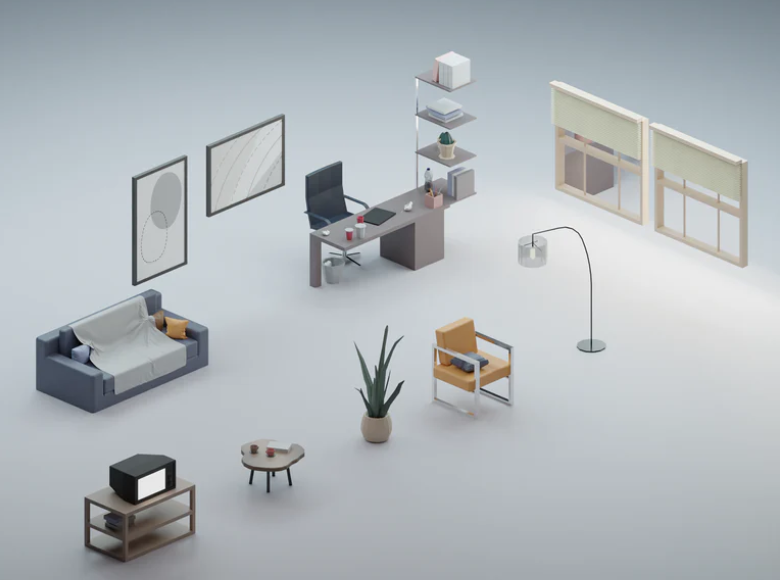
Interior design 3D modeling is the process of creating digital rooms, furniture, materials, and lighting to visualize a space before it is built or renovated. It allows beginners and professionals to experiment with layouts, colors, textures, and lighting conditions in a realistic environment. Modern 3D tools simulate real‑world dimensions, shadows, reflections, and material behavior, making it possible to preview a room exactly as it will look in reality.
Why 3D Modeling Matters in Interior Design
3D modeling has become essential in 2026 because it dramatically improves planning accuracy and communication. Designers use 3D models to test ideas, avoid costly mistakes, and present concepts to clients with clarity. Homeowners use it to visualize renovations, compare materials, and experiment with furniture placement before buying anything.
- Accurate planning: eliminates measurement errors.
- Realistic previews: see how materials and colors interact.
- Better communication: clients understand visuals instantly.
- Fast revisions: change layouts or colors in seconds.
- Material estimation: calculate flooring, paint, and furniture sizes.
Best Software for Beginners
Choosing the right software is the first step. Here are the best tools for beginners and intermediate users:
Beginner‑Friendly Tools
- SketchUp Free: simple, intuitive, browser‑based.
- Planner 5D: drag‑and‑drop interface.
- Room Planner: ideal for quick home layouts.
Intermediate Tools
- SketchUp Pro: industry standard for interior designers.
- Blender: free, powerful, excellent for modeling and rendering.
- Homestyler: cloud‑based with a large furniture library.
Professional Tools
- 3ds Max + V‑Ray: photorealistic rendering for high‑end projects.
- Cinema 4D: advanced modeling and animation.
- Revit: BIM‑based architectural modeling.
Step‑by‑Step Workflow for Creating a 3D Interior Model
Step 1: Measure the Room
Accurate measurements ensure realistic proportions. Record wall lengths, ceiling height, window placement, and door sizes.
Step 2: Build the Room Structure
Create walls, floors, and ceilings. Keep geometry clean and simple to avoid rendering issues.
Step 3: Add Doors and Windows
Use pre‑made components or model your own. Ensure correct dimensions for realism.
Step 4: Add Furniture and Decor
Most software includes libraries of sofas, tables, cabinets, lighting fixtures, and decor items.
Step 5: Apply Materials and Textures
Use high‑resolution PBR textures for wood, marble, fabric, tiles, and paint.
Step 6: Set Up Lighting
Lighting determines realism. Combine HDRI, sunlight, and artificial lights.
Step 7: Render the Scene
Adjust exposure, white balance, shadows, and noise reduction.
Step 8: Post‑Processing
Use Photoshop or Lightroom for color grading and final polish.
Essential Tools & Resources
Texture Libraries
- AmbientCG
- Textures.com
- Poly Haven
3D Model Libraries
- SketchUp Warehouse
- CGTrader
- TurboSquid
- BlenderKit
Lighting Resources
- HDRI Haven
- Poly Haven
Popular Interior Design Styles to Model
These styles are ideal for beginners practicing 3D modeling:
Modern Minimalism
Neutral colors, clean lines, simple geometry.
Scandinavian
Light wood, soft textures, natural light.
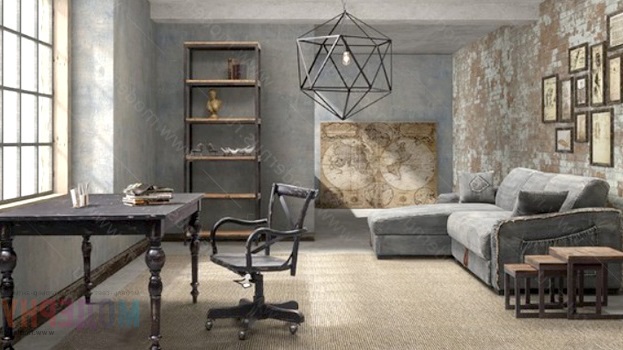
Industrial
Concrete, metal, exposed brick.
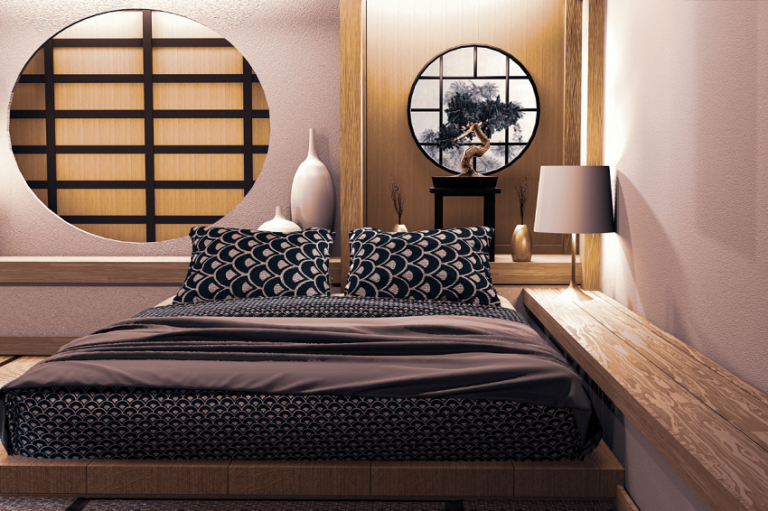
Japandi
Warm minimalism with organic materials.
Luxury Contemporary
Marble, gold accents, dramatic lighting.
3D Scene Examples: Living Room, Kitchen, Bedroom
Living Room Scene Example
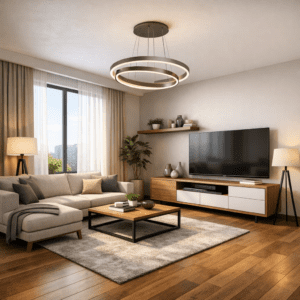
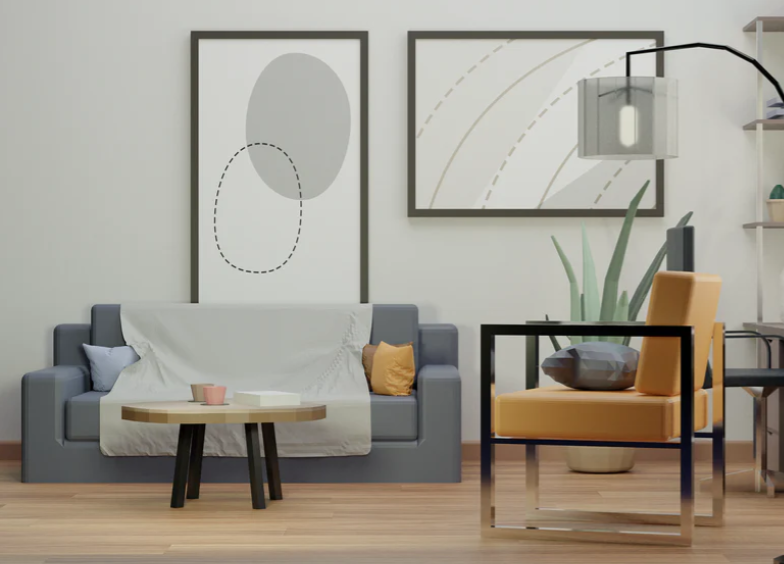
A modern living room scene typically includes a sofa, coffee table, TV unit, rug, and accent lighting. Use warm wood flooring, soft fabric textures, and a neutral color palette. Add natural light from large windows and supplement with floor lamps for depth.
Kitchen Scene Example
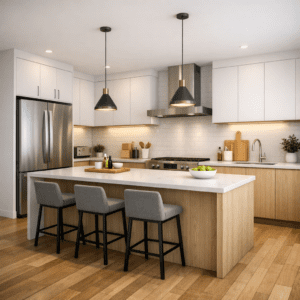
A kitchen scene focuses on cabinetry, countertops, appliances, and lighting. Use PBR materials for marble or quartz countertops, matte or glossy cabinet finishes, and stainless steel appliances. Add under‑cabinet lighting and pendant lights for realism.
Bedroom Scene Example
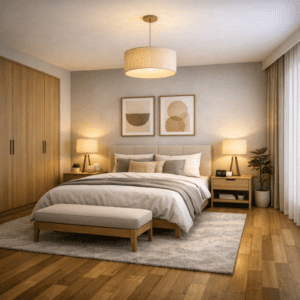
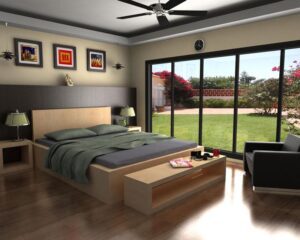
A bedroom scene includes a bed, nightstands, wardrobe, and soft textiles. Use fabric textures for bedding, wood for furniture, and warm lighting for a cozy atmosphere. Add curtains, plants, and wall art to complete the scene.
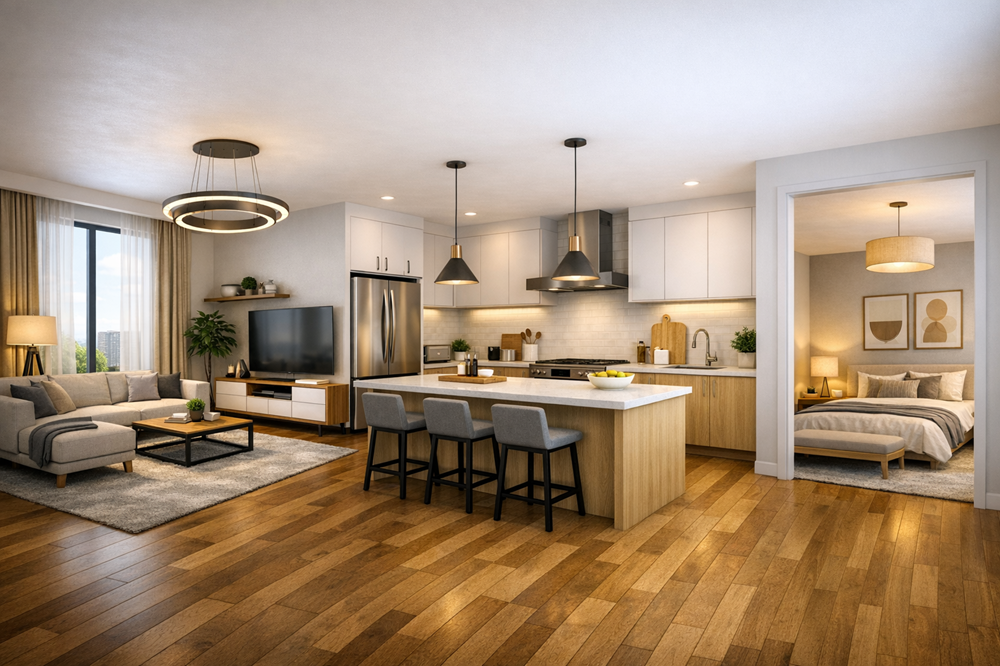
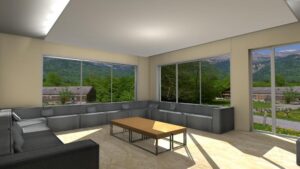
Experience the harmony of modern minimalist living — where the kitchen, living room, and bedroom flow seamlessly in one open space. Warm wood textures, soft lighting, and neutral tones create a calm, balanced atmosphere that defines contemporary interior design.
Common Beginner Mistakes
- Using low‑resolution textures
- Incorrect lighting setup
- Overloading the scene with objects
- Ignoring real‑world proportions
- Rendering at low quality
How to Achieve Photorealism
- Use PBR materials
- Add imperfections (scratches, fingerprints)
- Simulate natural light direction
- Use real camera settings
- Apply depth of field
FAQ
Is 3D modeling hard for beginners?
No — modern tools make it accessible, especially SketchUp and Blender.
How long does it take to learn?
Basic modeling takes 1–2 weeks; photorealistic rendering takes longer.
Do I need a powerful computer?
Not always — cloud rendering and lightweight tools are available.
Can I use 3D modeling for real renovation projects?
Yes — it helps visualize layouts, materials, and furniture placement.
Final Thoughts
Interior design 3D modeling is one of the most valuable skills for beginners entering the world of digital design. With the right tools, workflow, and practice, you can create realistic, professional‑quality interiors that bring your ideas to life. Start simple, experiment with materials and lighting, and gradually build your skills — your first photorealistic render is closer than you think.