Home Theater PC
What Is a Home Theater PC (HTPC)
A Home Theater PC (HTPC) is a compact, quiet, and powerful computer designed to connect to your TV or projector and serve as the central hub for movies, streaming, gaming, and multimedia. Unlike traditional media players, an HTPC offers full customization, high-quality playback, and the ability to store or stream large media libraries.
Benefits of Using an HTPC
- Universal media support: plays any video, audio, or streaming format.
- High-quality playback: supports 4K, HDR10, Dolby Atmos, DTS:X.
- Expandable storage: ideal for large movie collections.
- Gaming capability: can run PC games or emulators.
- Smart home integration: works with voice assistants and automation.
Essential Components for an HTPC
1. Case
Choose a compact, quiet case that blends with your home theater setup. Popular formats: Mini‑ITX, Micro‑ATX.
2. CPU
Modern low‑power CPUs like AMD Ryzen 5 or Intel i5 provide excellent performance for 4K playback.
3. GPU
For 4K HDR and gaming, consider NVIDIA RTX 4060 or AMD RX 7600. For pure media playback, integrated graphics are enough.
4. Storage
Use SSD for the system and HDD or NAS for media libraries.
5. RAM
8–16 GB is ideal for smooth performance.
6. Remote Control
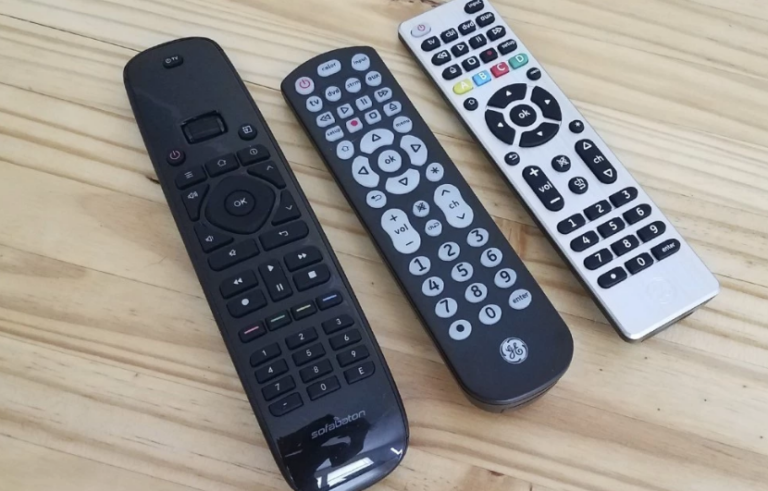
Use Bluetooth remotes, wireless keyboards, or smartphone apps.
Best Software for HTPC
Kodi
A powerful media center with add‑ons, skins, and library management.
Plex
Perfect for streaming your media library across devices.
Emby / Jellyfin
Open‑source alternatives to Plex with strong customization.
Steam Big Picture
Transforms your HTPC into a gaming console.
Windows 11 / Linux
Both systems work well; Windows offers better app compatibility.
How to Set Up a Home Theater PC
Step 1: Connect to TV or Projector
Use HDMI 2.1 for 4K 120Hz or HDMI 2.0 for 4K 60Hz.
Step 2: Configure Audio
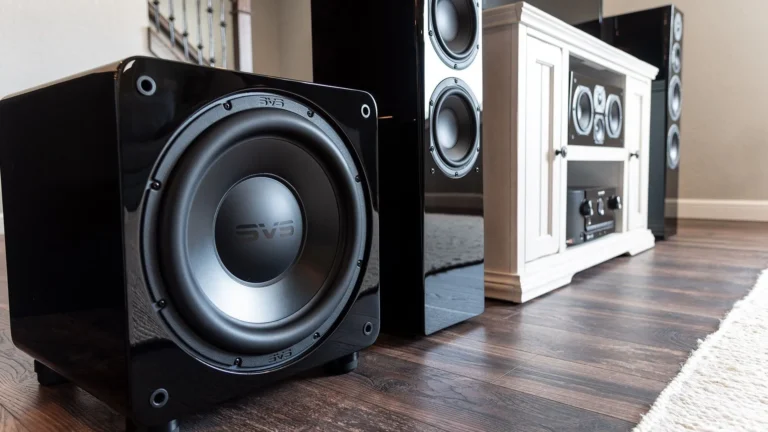
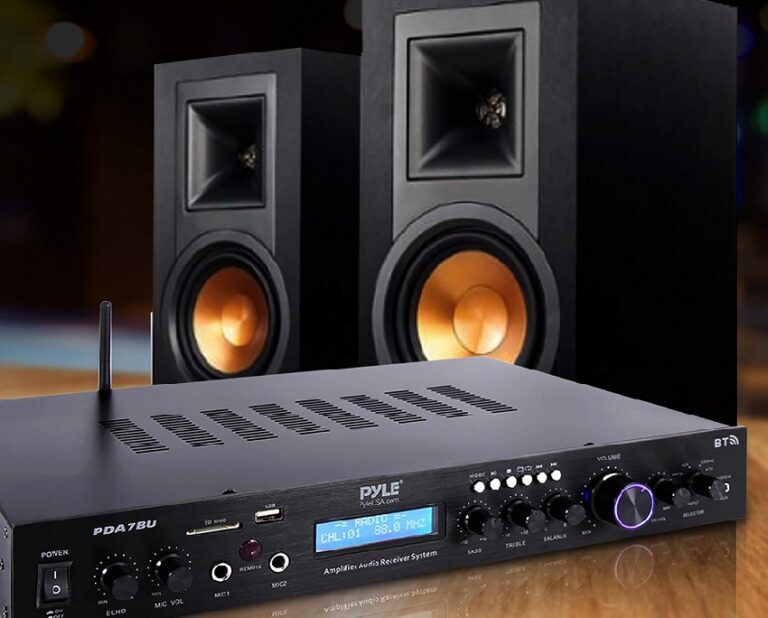
Enable passthrough for Dolby Atmos or DTS:X in your media software.
Step 3: Install Media Center Software
Set up Kodi, Plex, or Jellyfin and organize your media library.
Step 4: Add Streaming Apps
Install Netflix, Disney+, Prime Video, YouTube, and others.
Step 5: Optimize Performance
Enable hardware acceleration, adjust color settings, and calibrate your display.
Popular HTPC Use Cases
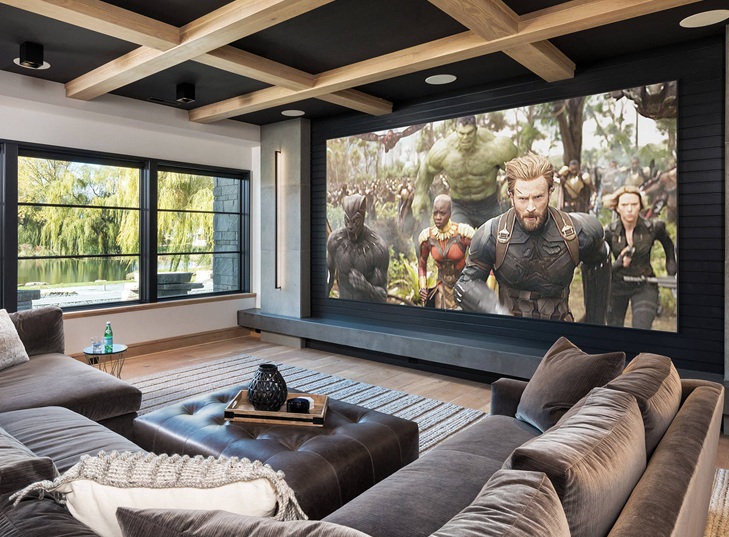
- Home cinema: watch movies in 4K HDR with surround sound.
- Gaming: play PC games or retro emulators.
- Streaming hub: access all platforms in one interface.
- Music server: manage high‑resolution audio libraries.
- Smart home control: integrate with automation systems.
Optimization Tips
- Use a quiet cooling system to reduce noise.
- Enable HDR and correct color space (BT.2020 for 4K).
- Store media on NAS for better performance.
- Use wired Ethernet for stable streaming.
- Calibrate your TV or projector for accurate colors.
FAQ
Is an HTPC better than a streaming box?
Yes — HTPC supports more formats, offers better customization, and can handle gaming and local media libraries.
Do I need a GPU for an HTPC?
Only if you want gaming or advanced 4K HDR processing. For basic playback, integrated graphics are enough.
Can I use an HTPC as a gaming console?
Absolutely — with Steam Big Picture or emulators, it becomes a powerful gaming system.