4G and 5G Antennas for Mobile Internet Boosting
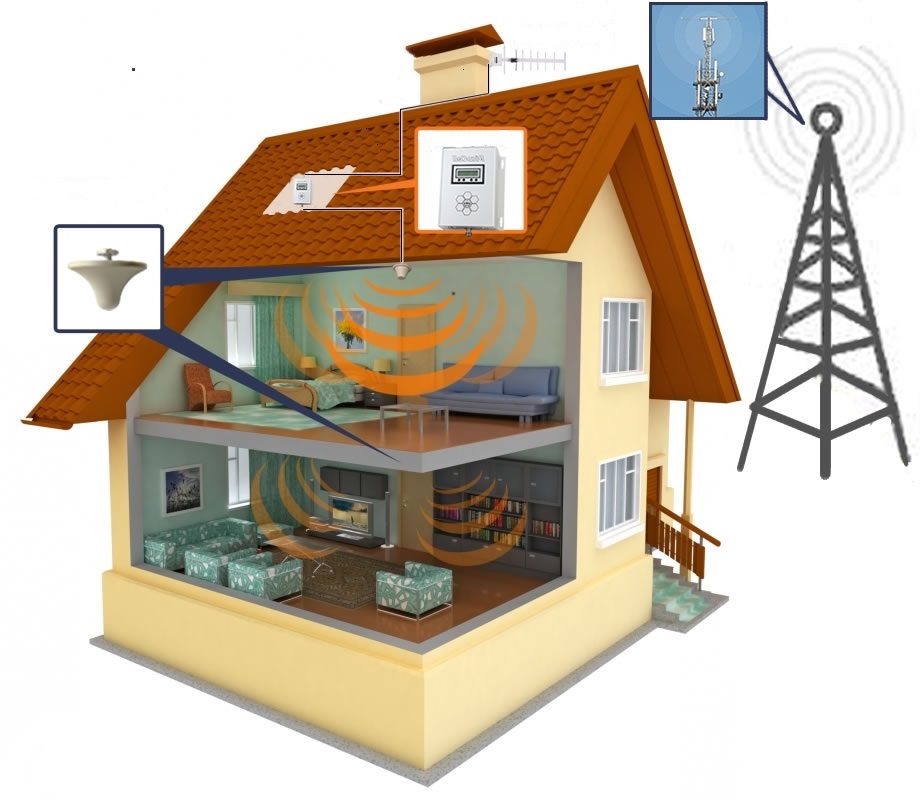
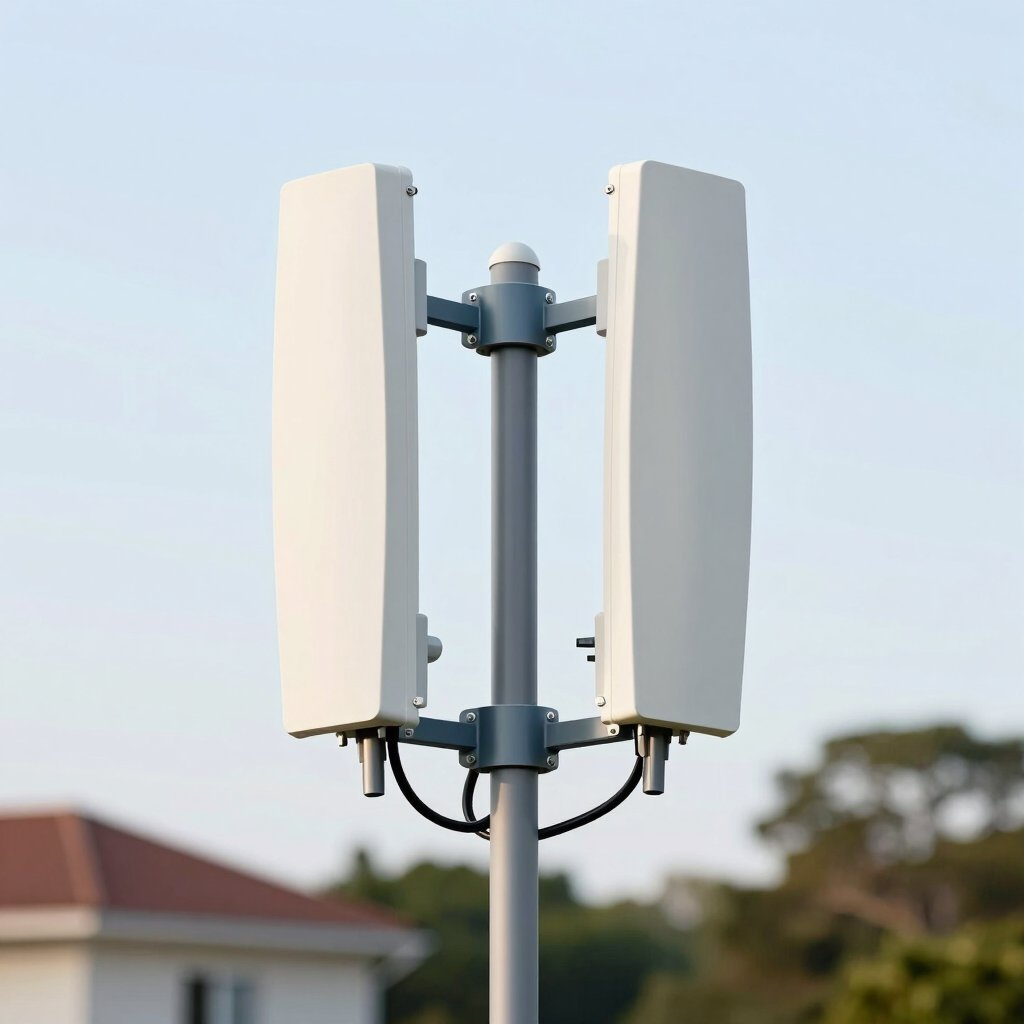
In 2026, 4G LTE and 5G networks have become the primary source of high‑speed internet for millions of users. Whether you live in a rural area without fiber, a suburban home with unstable broadband, or simply want a faster and more flexible connection, mobile internet can deliver impressive performance — but only if the signal is strong.
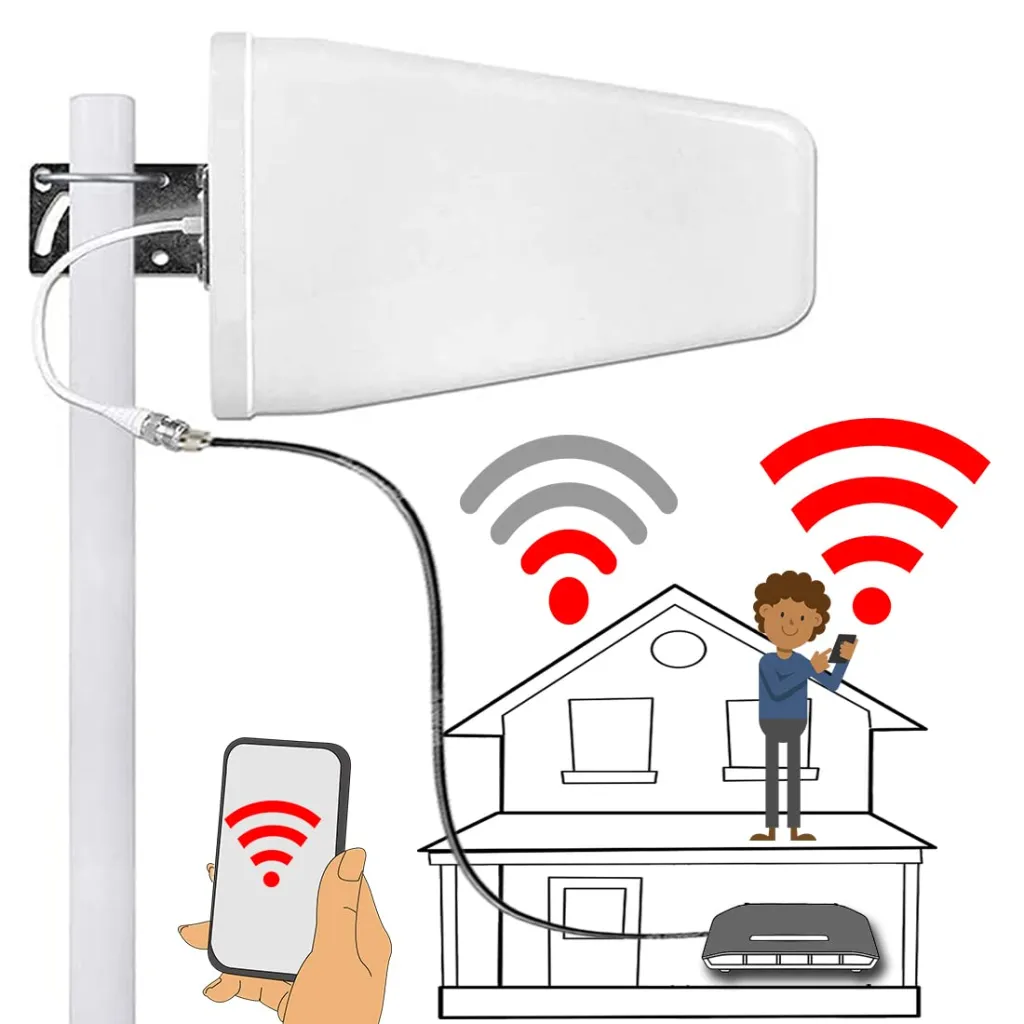
This is where external 4G and 5G antennas make a dramatic difference. They capture a cleaner, more powerful signal from the nearest base station, allowing you to achieve significantly higher speeds and more stable connectivity.
Table of Contents
- Why Mobile Internet Boosting Matters in 2026
- Where to Install a 4G/5G Antenna
- How to Choose the Right Antenna
- How to Install and Fine‑Tune the Antenna
- Connecting the Antenna to a Modem or Router
- Related Wi‑Fi & Networking Guides
1. Why Mobile Internet Boosting Matters in 2026
4G LTE and 5G networks now support:
- 4K and 8K streaming
- Remote work and video conferencing
- Online gaming with low latency
- Smart home ecosystems
However, your real‑world speed depends on:
- distance from the base station
- terrain and obstacles
- building materials
- network congestion
External antennas solve these issues by improving both signal strength and signal quality, which directly increases download and upload speeds.
To optimize your home network even further, explore:
How to Build a Fast, Stable Home Network in 2026.
2. Where to Install a 4G/5G Antenna
External antennas can be installed in:
- Private homes
- Apartments
- Vacation houses
- Offices and commercial buildings
- Remote or rural properties
They are compatible with:
- 4G/5G modems
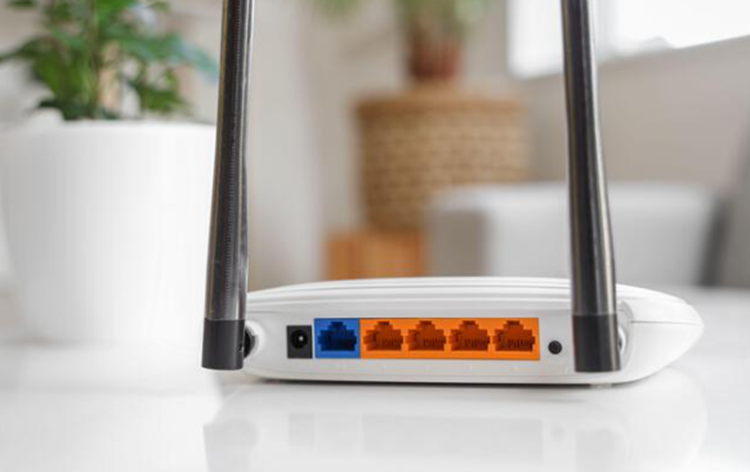
- Wi‑Fi routers with external antenna ports
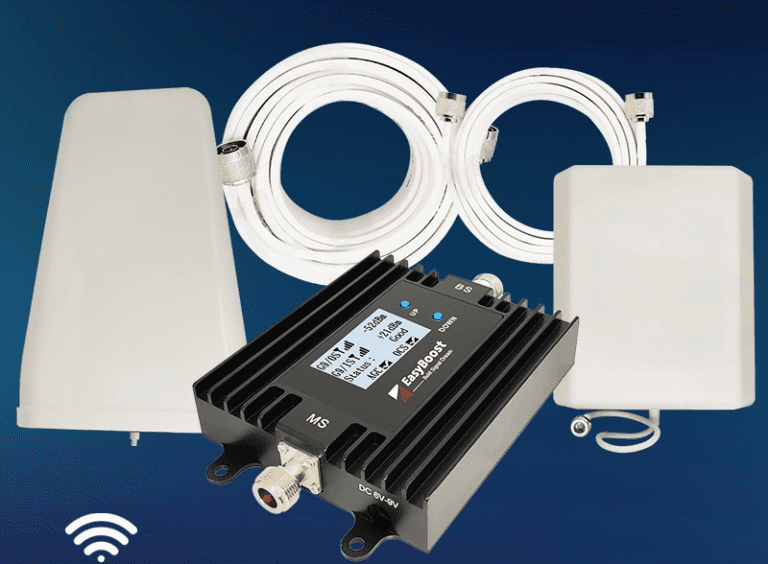
- Mobile signal boosters
- IoT and automation systems
With proper installation, a 4G or 5G antenna can increase mobile internet speeds by up to 10×.
3. How to Choose the Right Antenna
Before purchasing a 4G or 5G antenna, consider the following:
1. Your Mobile Operator and Frequency Bands
Each operator uses specific frequency ranges (700 MHz, 1800 MHz, 2600 MHz, 3500 MHz, etc.). Choose an antenna that supports them.
2. Antenna Type
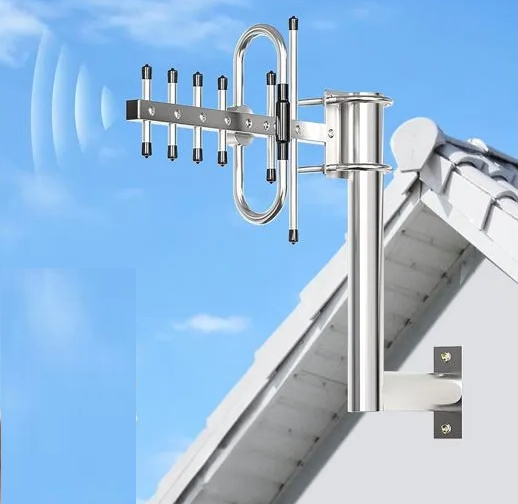
- Directional antennas — best for long distances and rural areas
- Omnidirectional antennas — best for cities and areas with multiple towers
- MIMO antennas — essential for 4G/5G high‑speed performance
3. Connector Type
Check whether your modem/router uses SMA, TS9, CRC9, or another connector type.
4. Cable Length
Use the shortest possible coaxial cable to avoid signal loss.
To compare modern wireless technologies, read:
Wi‑Fi 6 vs 5G: Which One Should You Choose in 2026?
4. How to Install and Fine‑Tune the Antenna
Correct installation is crucial for achieving maximum speed.
Outdoor Installation
Outdoor placement provides the strongest signal. Recommended locations:
- High mast or pole
- Exterior wall facing the nearest base station
- Roof or attic (if accessible)
Fine‑Tuning the Antenna
To optimize performance:
- Rotate the antenna slowly in small increments
- Test speed after each adjustment (wait 3–5 seconds)
- Adjust polarization (vertical/horizontal)
- Secure all mounts tightly after final tuning
Modern MIMO antennas allow precise adjustment of direction and angle for maximum gain.
For improving Wi‑Fi coverage inside your home, explore:
How to Boost Wi‑Fi Coverage in Large Homes.
5. Connecting the Antenna to a Modem or Router
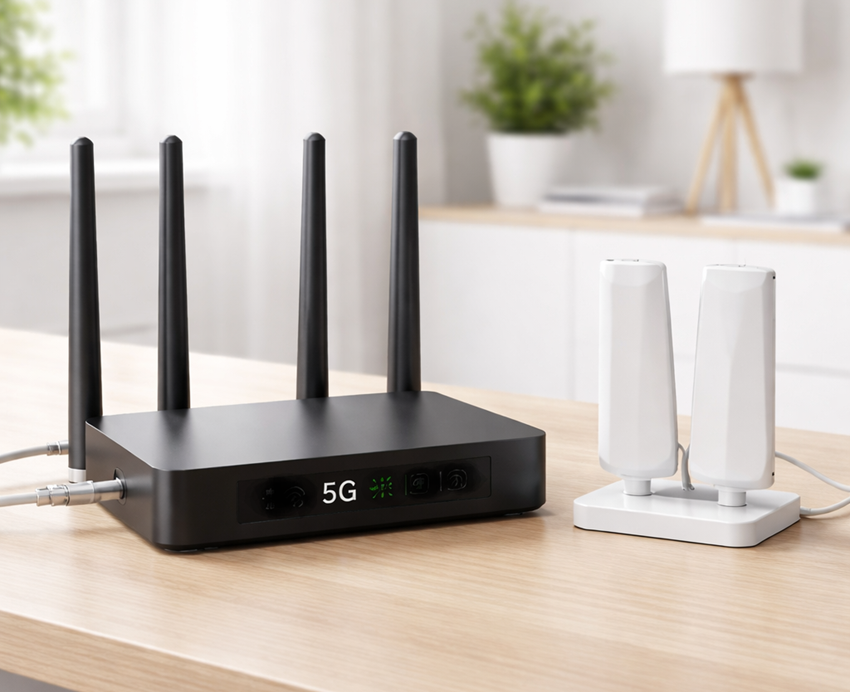
External antennas connect to modems or routers using coaxial cables. Depending on the model, you may need:
- One or two connectors (for MIMO)
- Pigtails or adapters
- Weather‑protected cable routing for outdoor setups
Once connected, the modem automatically switches to the external antenna, improving signal strength and speed.