Wi‑Fi 6 vs 5G: Which One Should You Choose in 2026?
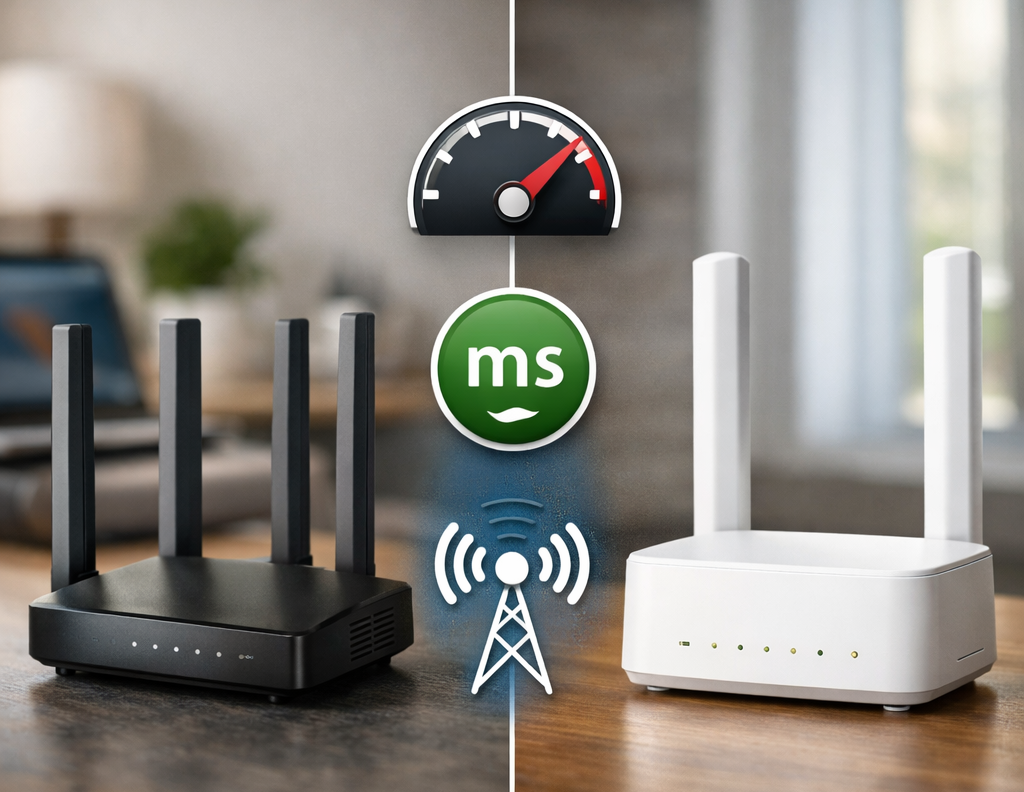
Both Wi‑Fi 6 and 5G promise fast, reliable internet — but they are not the same thing. If you’re planning to upgrade your home network in 2026, you might be wondering which technology is better for your lifestyle. This guide compares Wi‑Fi 6 and 5G in real‑world scenarios so you can make a confident choice.
Table of Contents
- 1. Wi‑Fi 6 vs 5G: The Basics
- 2. Speed and Performance
- 3. Coverage and Range
- 4. Latency and Gaming
- 5. Best Use Cases for Wi‑Fi 6
- 6. Best Use Cases for 5G
- 7. Can You Use Wi‑Fi 6 and 5G Together?
- 8. Practical Recommendations for 2026
- 9. Related Wi‑Fi & Networking Guides
1. Wi‑Fi 6 vs 5G: The Basics
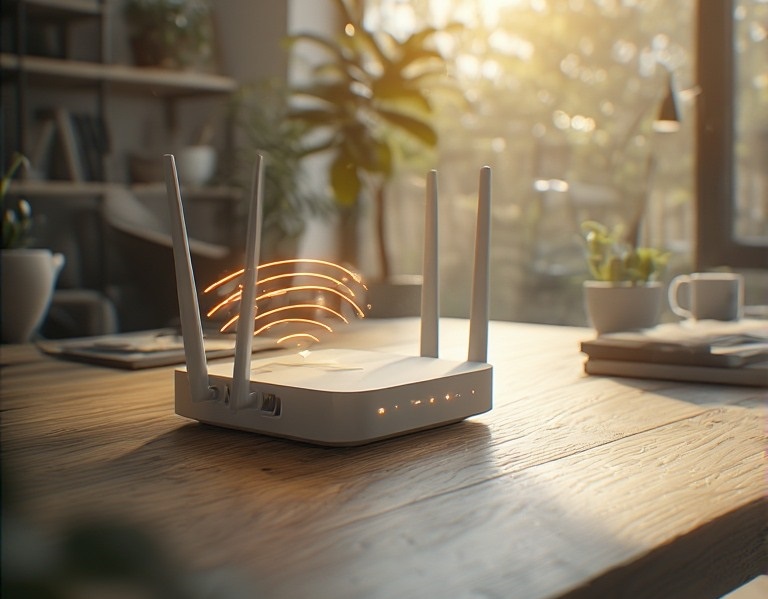
Wi‑Fi 6 is the latest generation of Wi‑Fi technology designed for local networks inside your home. It improves speed, efficiency, and capacity, especially when many devices are connected.
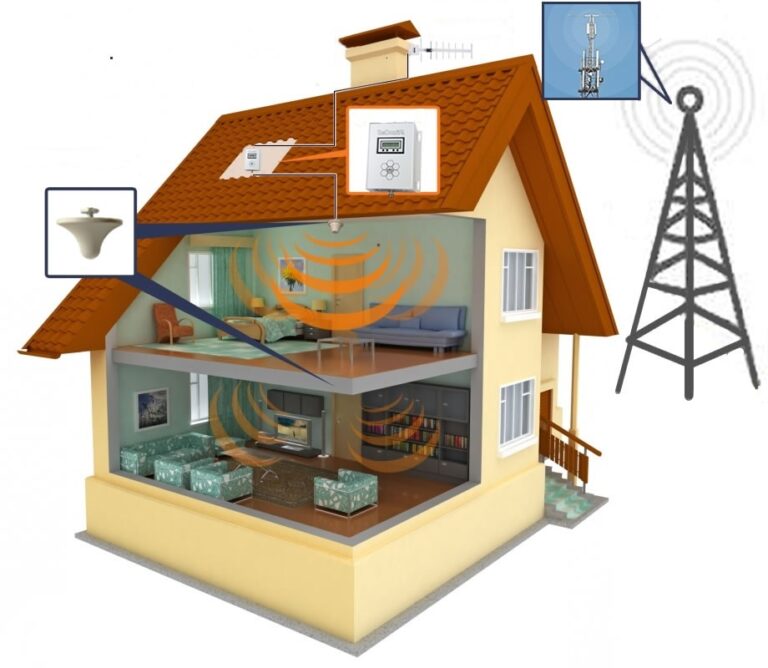
5G is a mobile network technology that delivers high‑speed internet over cellular networks. With a 5G home router, you can use 5G as your main internet connection.
In simple terms: Wi‑Fi 6 is your in‑home network, while 5G is how your home connects to the outside world.
2. Speed and Performance
Both technologies can be extremely fast, but their strengths are slightly different.
- Wi‑Fi 6: Excellent for high‑speed local transfers, streaming, and gaming within your home.
- 5G: Excellent for fast internet access, especially in areas without fiber or cable.
In many real‑world setups, a Wi‑Fi 6 router connected to a fast 5G or fiber connection offers the best of both worlds.
3. Coverage and Range
Coverage depends on your home layout and environment.
- Wi‑Fi 6: Works best with a good router placement or a mesh system in large homes.
- 5G: Coverage depends on your local 5G network and signal strength inside your home.
If your 5G signal is strong, a 5G home router can be a powerful alternative to traditional broadband.
4. Latency and Gaming
Latency is crucial for gaming, video calls, and real‑time applications.
- Wi‑Fi 6: Very low latency on local networks, especially with wired connections for key devices.
- 5G: Designed for ultra‑low latency, but performance depends on your provider and signal quality.
For serious gaming, a Wi‑Fi 6 router with Ethernet connections is still the most reliable setup.
5. Best Use Cases for Wi‑Fi 6
Choose Wi‑Fi 6 if you:
- Have many devices connected at the same time
- Use smart home devices throughout your home
- Stream 4K or 8K content on multiple TVs
- Work from home and need stable video calls
Wi‑Fi 6 is especially powerful when combined with a mesh system in large homes.
6. Best Use Cases for 5G
Choose a 5G home router if you:
- Live in an area with strong 5G coverage
- Don’t have access to fast fiber or cable internet
- Want a flexible, portable internet solution
- Need high speeds without installing new cables
5G can be a game‑changer in rural or newly developed areas.
7. Can You Use Wi‑Fi 6 and 5G Together?
Yes — and in many cases, this is the ideal setup.
A common configuration in 2026 looks like this:
- 5G home router as the main internet source
- Wi‑Fi 6 router or mesh system distributing the connection inside the home
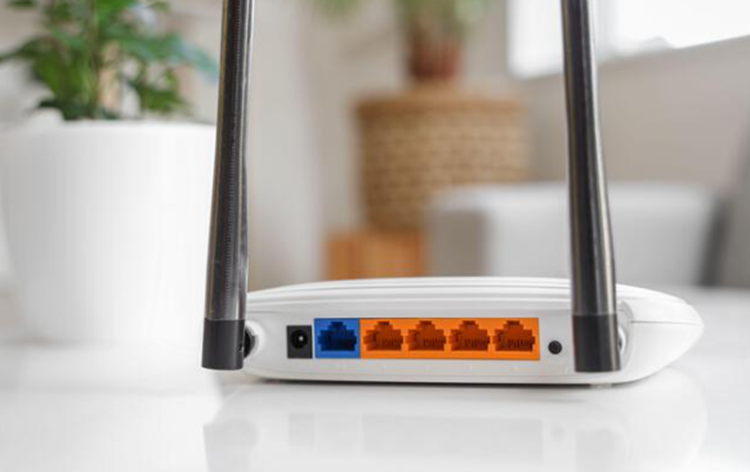
- Ethernet connections for key devices (PCs, consoles, smart TVs)
This combination delivers fast, stable, and flexible connectivity.
8. Practical Recommendations for 2026
- Small apartments: A single Wi‑Fi 6 router is usually enough.
- Large homes: Wi‑Fi 6 mesh system, optionally powered by 5G.
- Rural areas: 5G home router (if coverage is good) + Wi‑Fi 6.
- Heavy gamers: Wi‑Fi 6 with Ethernet connections.
If you’re unsure where to start, begin by upgrading your router and optimizing your home network layout.