How to Build a Fast, Stable Home Network in 2026 (Complete Wi‑Fi Optimization Guide)
In 2026, a reliable home network is no longer optional — it’s the foundation of modern living. From smart home devices and 4K streaming to remote work and gaming, your Wi‑Fi must handle more load than ever before. This guide explains how to build a fast, stable, and future‑proof home network using the latest technologies.
Table of Contents
- Why Your Home Network Matters More Than Ever
- Choosing the Right Router: Wi‑Fi 6, Wi‑Fi 6E, or 5G?
- When You Should Use a Mesh Wi‑Fi System
- Optimal Router Placement for Maximum Coverage
- How to Reduce Wi‑Fi Interference
- Connecting Smart Home Devices the Right Way
- Essential Network Security Tips for 2026
- Related Guides
1. Why Your Home Network Matters More Than Ever
Homes today rely on dozens of connected devices: smart TVs, laptops, tablets, phones, thermostats, cameras, speakers, and even appliances. A weak network causes:
- slow streaming and buffering
- lag during video calls
- smart devices disconnecting
- poor gaming performance
- dead zones in large homes
A strong network ensures smooth performance across all devices — even during peak usage.
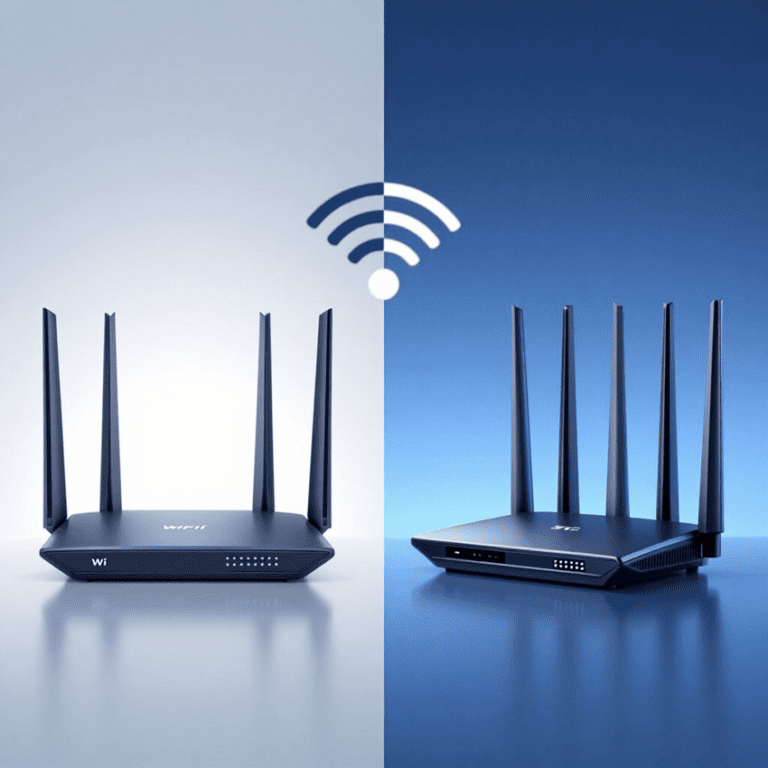
2. Choosing the Right Router: Wi‑Fi 6, Wi‑Fi 6E, or 5G?
In 2026, you have three main options for building a high‑performance home network.
Wi‑Fi 6
- Best for most homes
- Fast, stable, energy‑efficient
- Handles many devices at once
Wi‑Fi 6E
- Uses the new 6 GHz band
- Less interference
- Ideal for apartments and crowded areas
5G Home Routers
- Perfect for large homes or rural areas
- Extremely fast download/upload speeds
- Low latency for gaming and streaming
Tip: If you want the simplest, most powerful setup, combine a 5G router with a mesh system.
3. When You Should Use a Mesh Wi‑Fi System
A mesh system uses multiple nodes to create seamless coverage throughout your home. It’s ideal for:
- multi‑story houses
- homes with thick walls
- large apartments
- properties with outdoor areas
Mesh systems eliminate dead zones and automatically route your devices to the strongest signal.
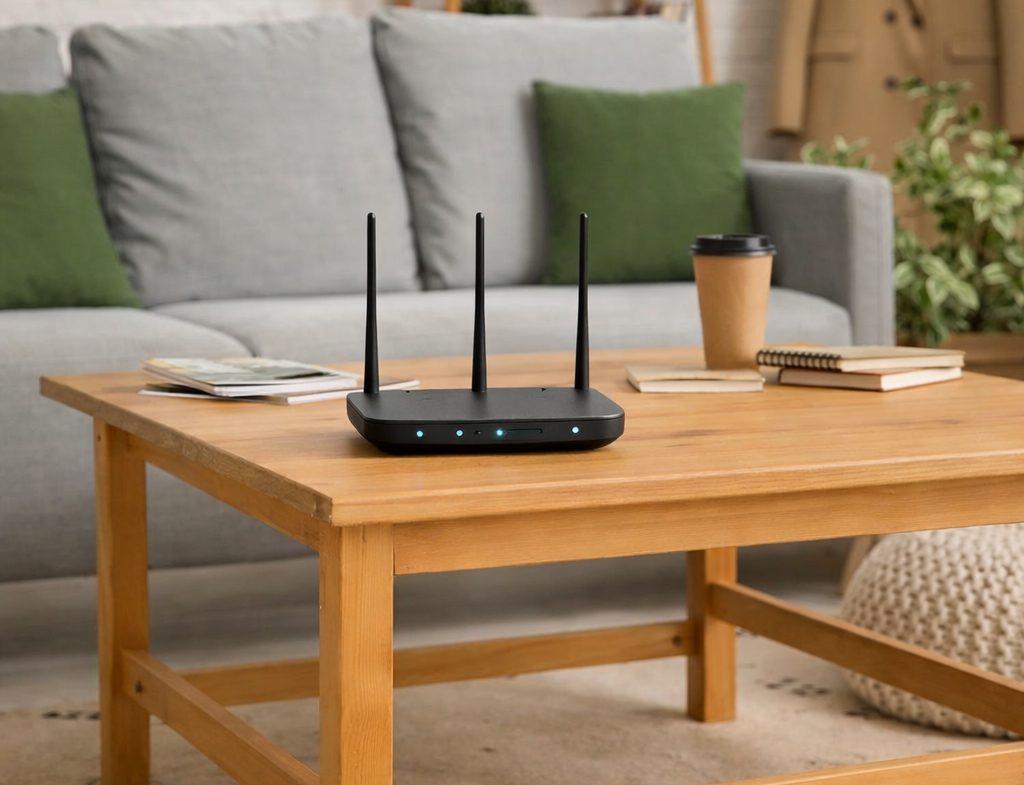
4. Optimal Router Placement for Maximum Coverage
Even the best router performs poorly if placed incorrectly. Follow these rules:
- Place the router in the center of your home
- Keep it elevated (on a shelf or table)
- Avoid corners, closets, and cabinets
- Keep away from microwaves, TVs, and metal surfaces
- Ensure the antennas are angled correctly
Good placement alone can improve Wi‑Fi speed by 30–50%.
5. How to Reduce Wi‑Fi Interference
Interference is one of the biggest reasons for slow Wi‑Fi. Common sources include:
- Bluetooth devices
- Baby monitors
- Microwaves
- Neighboring networks
- Smart appliances
How to fix it:
- Use the 5 GHz or 6 GHz band when possible
- Switch to a less crowded channel
- Move the router away from electronics
- Use wired connections for gaming or streaming
6. Connecting Smart Home Devices the Right Way
Smart home devices often use the 2.4 GHz band, which has longer range but lower speed. To avoid overload:
- Put smart devices on a separate guest network
- Use Wi‑Fi 6 routers for better device management
- Update firmware regularly
- Use Ethernet for TVs, consoles, and PCs
7. Essential Network Security Tips for 2026
With more devices comes more risk. Protect your home network with:
- WPA3 encryption
- Strong, unique passwords
- Automatic firmware updates
- Guest networks for visitors
- Disabling WPS
- Using a firewall
Never leave your router on default settings — it’s the #1 cause of home network breaches.